Higher education is rapidly evolving toward experiential, technology-driven learning environments. As institutions seek more engaging, collaborative, and measurable teaching methods, virtual reality has emerged as a powerful medium for education, training, and research.
The Multi User SightLab based application, E-Learning Lab is an end-to-end immersive learning tool designed to help educators and institutions create, deliver, and analyze VR-based lessons - with no programming required and with the flexibility to scale from single-user experiences to full multi-user classrooms.
See this video for more information.
To request a trial download of SightLab with the E-Learning Lab go here and click "Request/Trial Download Link".
At its core, SightLab’s E-Learning Lab application is a complete solution for immersive learning. It brings together lesson authoring, presentation delivery, AI-driven interaction, and analytics within a single workflow. Built specifically for education, immersive presentations, and research, the platform supports a wide range of instructional styles - from guided lectures to open-ended exploration and collaborative experiments.
Educators can move seamlessly from concept to execution, transforming traditional learning materials into interactive VR experiences that actively engage students rather than passively presenting information.
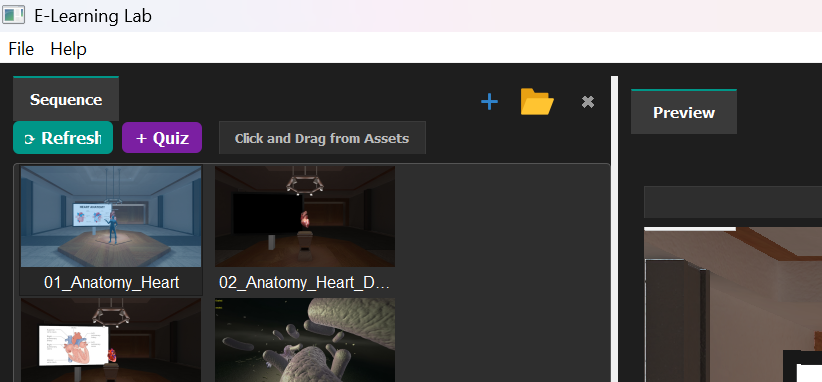
The E-Learning Lab application follows a clear and accessible workflow that mirrors how instructors already design lessons:
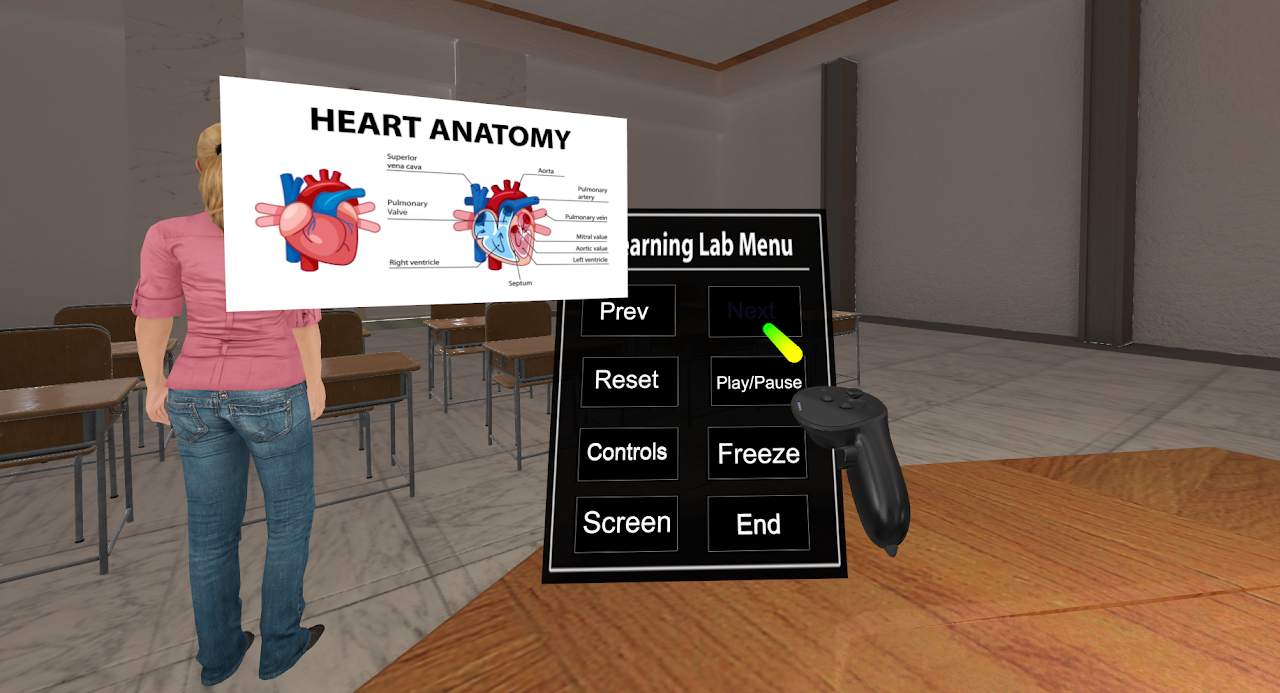
The Asset Browser acts as a central hub for all lesson materials. Instructors can import content through simple drag-and-drop actions from a wide range of sources, including:
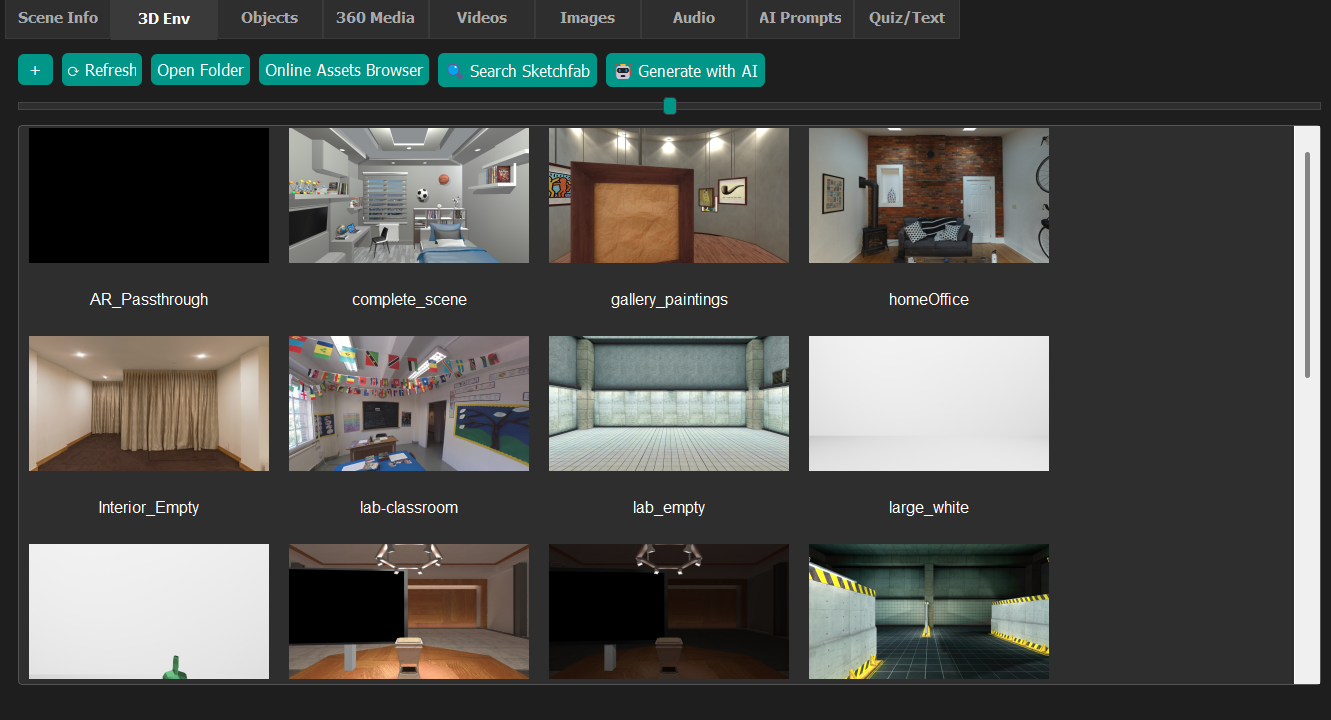
Supported asset types include 3D models, 360° media, stereo and mono images, videos, audio, and narrations, allowing educators to build rich, multi-modal learning environments.
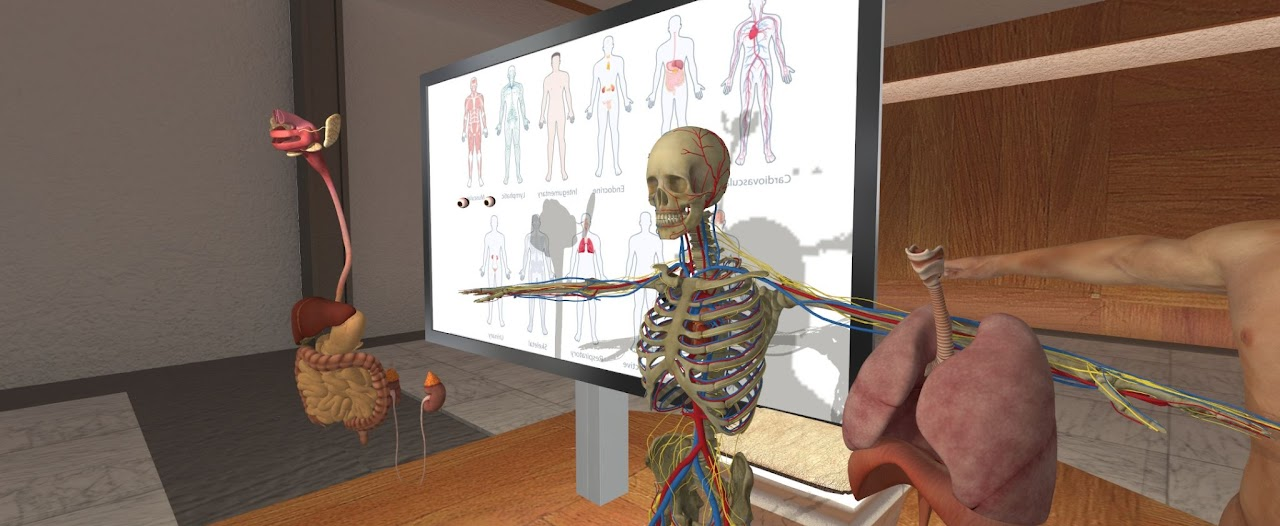
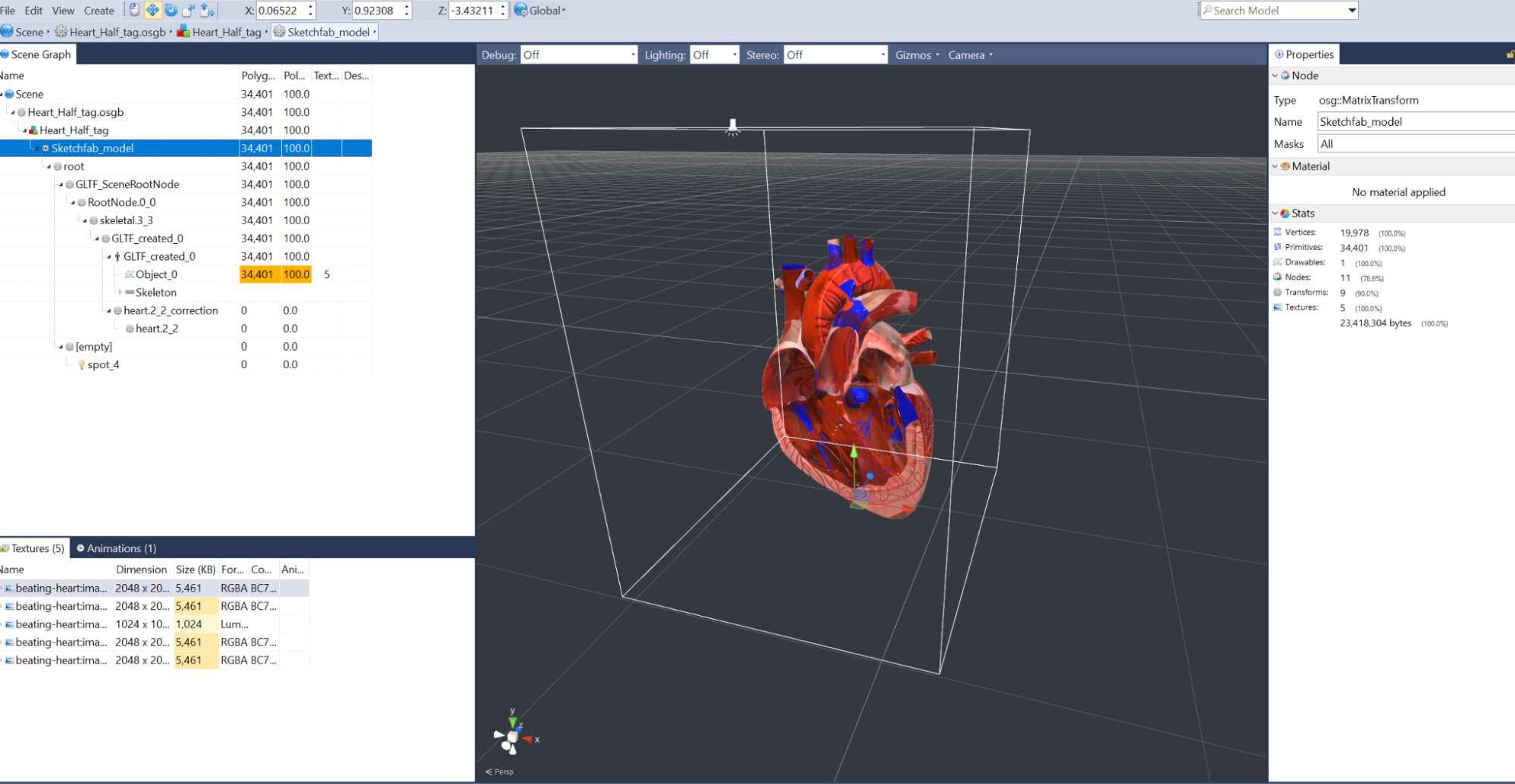
Lessons begin by placing a 3D environment that sets the context—such as a lecture hall, lab, or immersive scenario. A live preview window allows instructors to navigate the scene by walking, flying, or teleporting, while controlling learner starting positions and navigation modes.
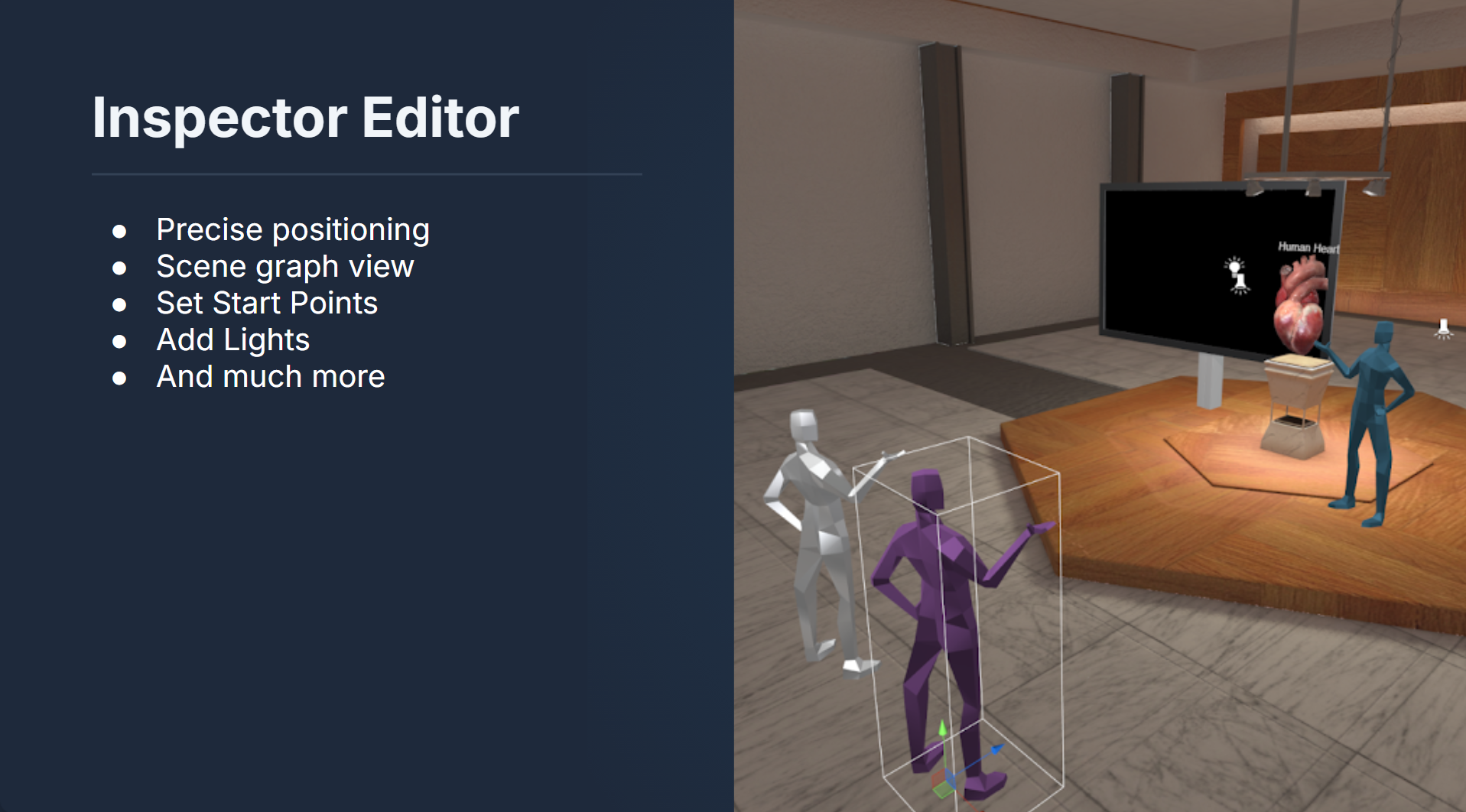
For more advanced layout control, the Inspector Editor provides precise positioning, scene graph management, lighting control, and start point configuration—giving instructors fine-grained control without requiring technical expertise.
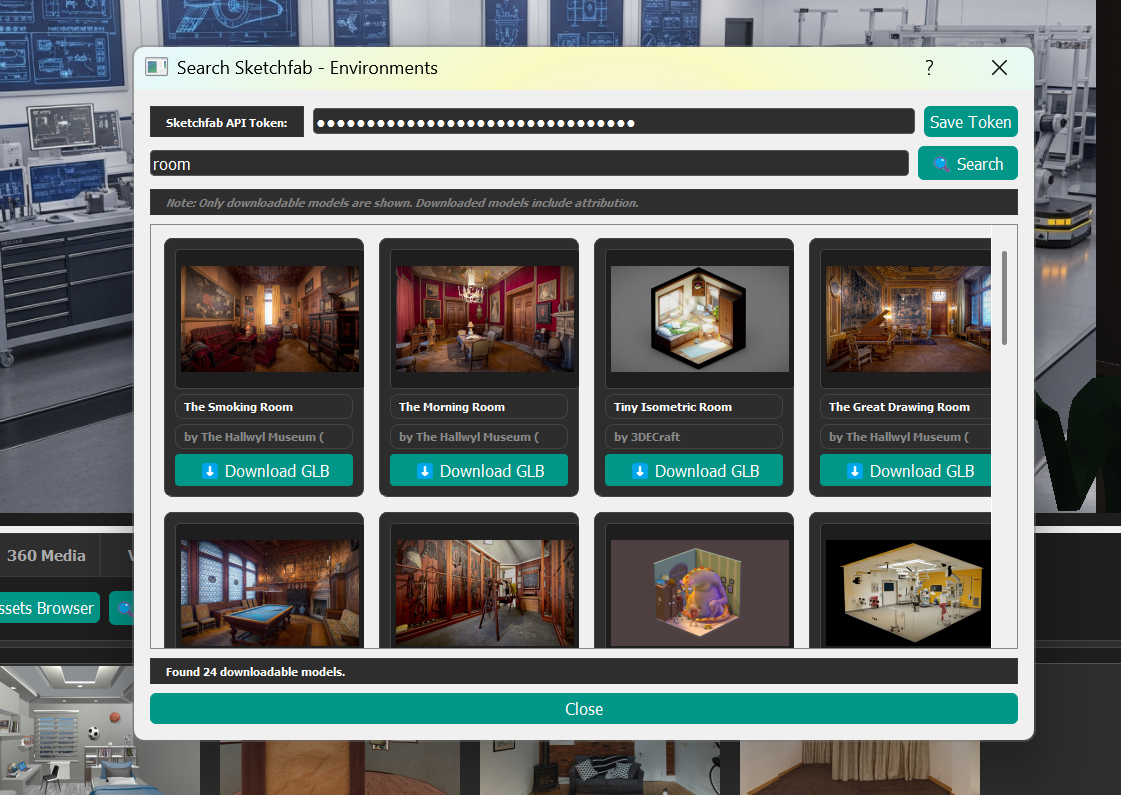
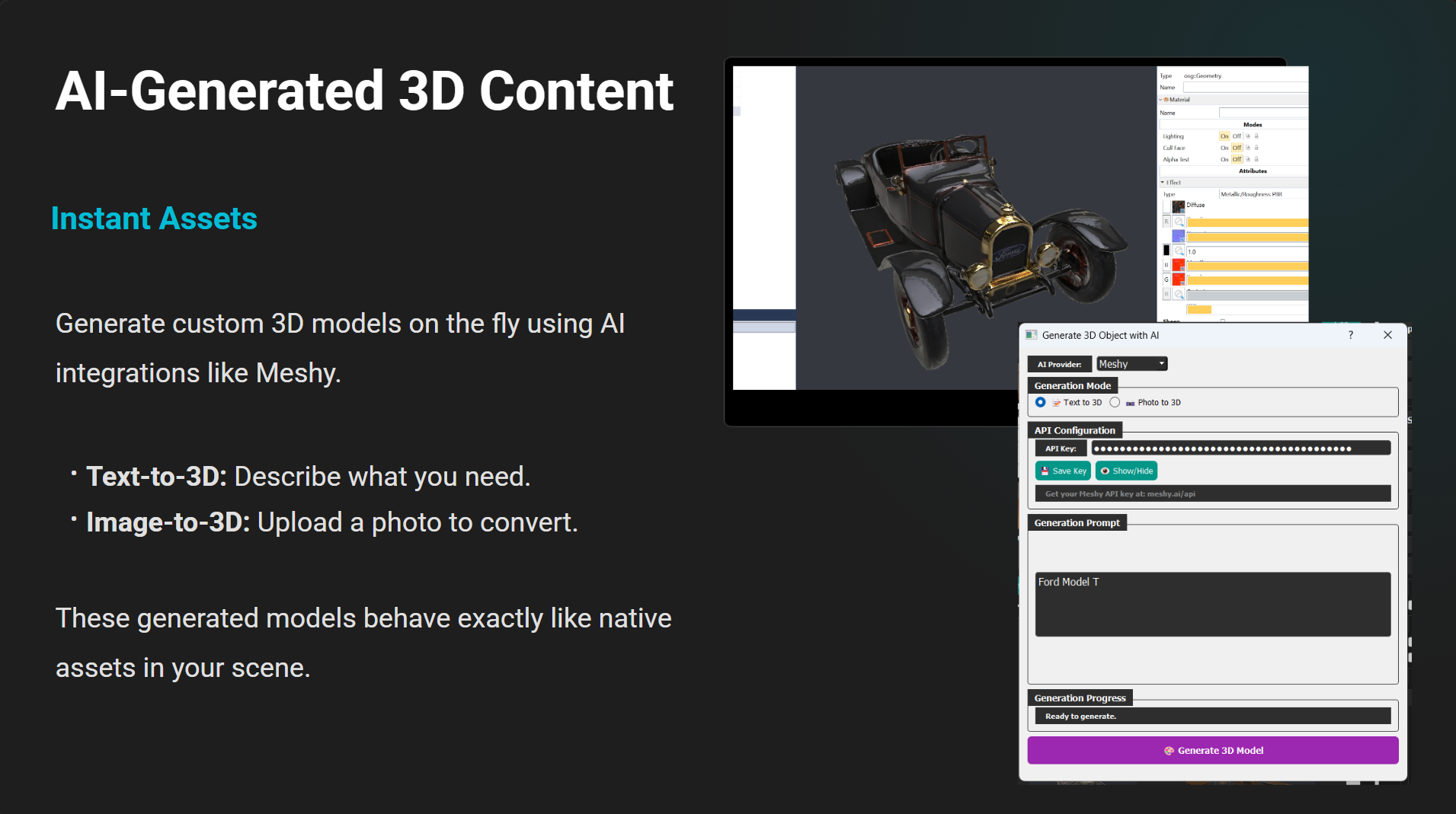
The E-Learning Lab integrates AI throughout the authoring process. Educators can generate custom 3D models on demand using AI services such as Meshy, with support for both text-to-3D and image-to-3D workflows. These AI-generated assets behave exactly like native scene objects and can be interacted with, animated, or tracked.
AI is also used to generate images, videos, and 360° media, leveraging services such as Gemini, DALL·E, and Wikimedia search. Both stereo and mono formats are supported, enabling immersive visuals for VR headsets and large-format displays alike.
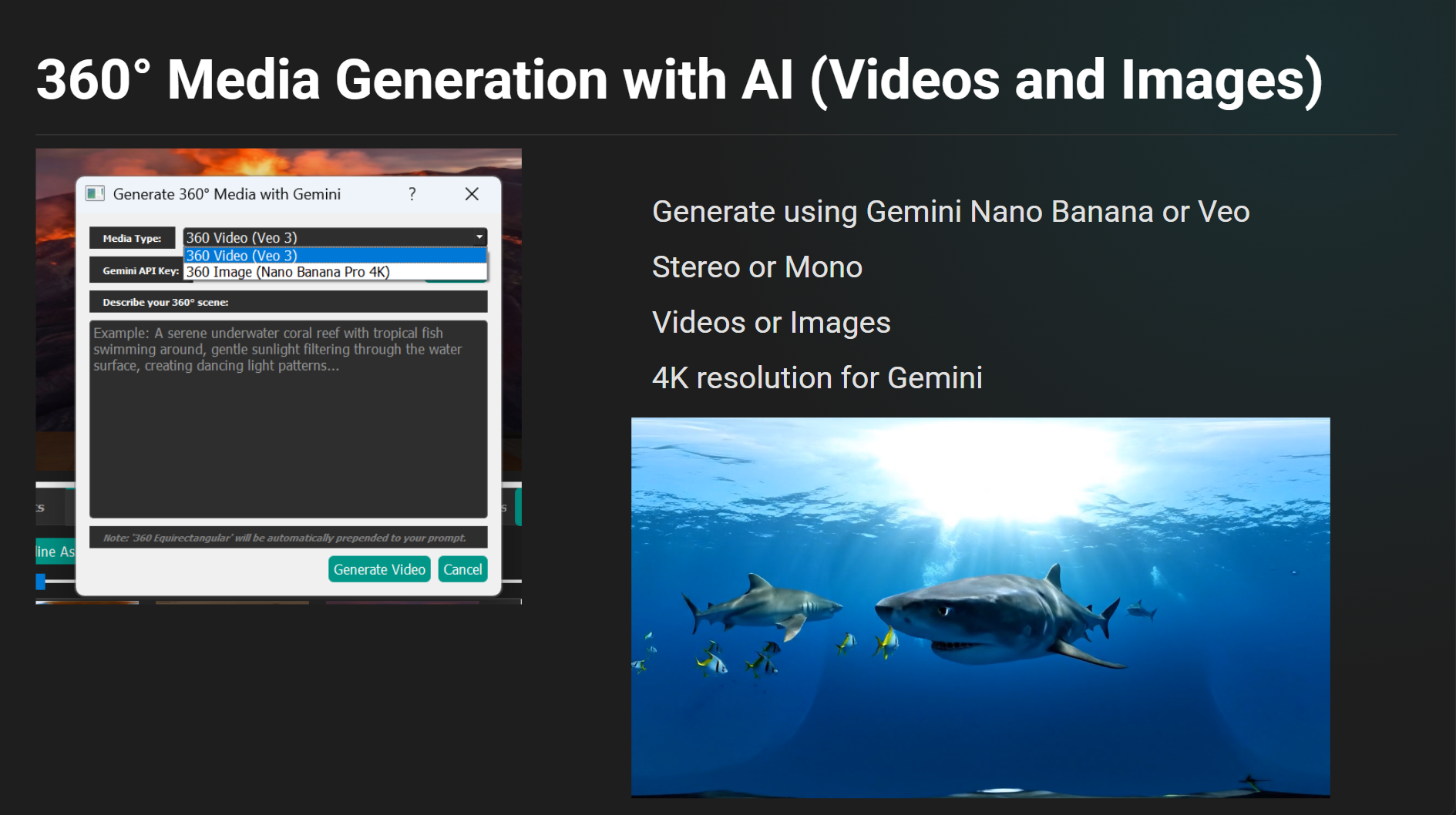
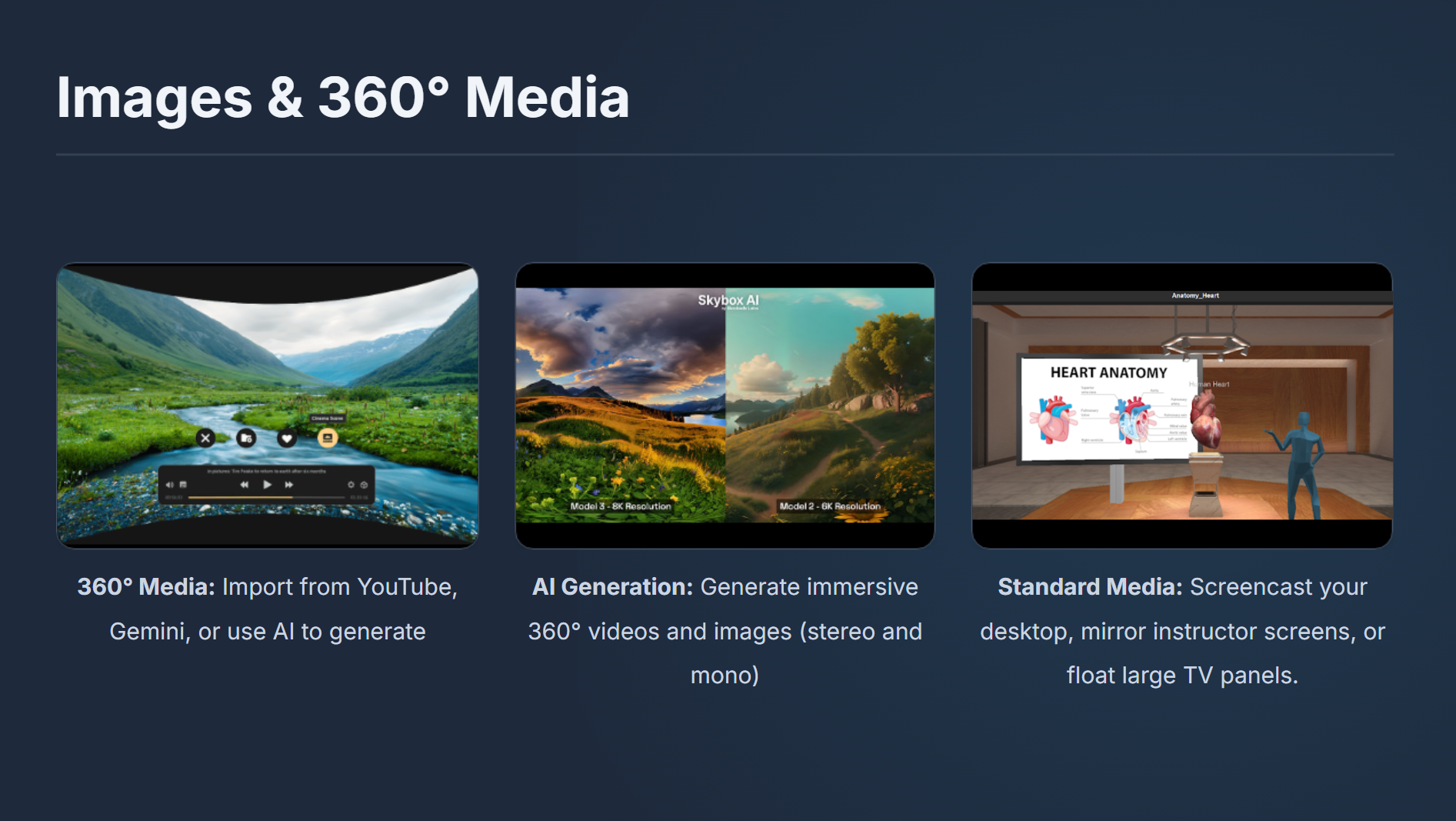
The platform supports a wide spectrum of immersive media experiences. Educators can transport learners to any location using 360° images and videos, sourced from online libraries, existing lesson assets, or generated with AI.
Standard media—such as slideshows, videos, and screencasts—can be displayed on large virtual screens for theater-style viewing, mirrored instructor displays, or AR passthrough experiences. This flexibility allows instructors to blend familiar teaching materials with immersive spatial content.
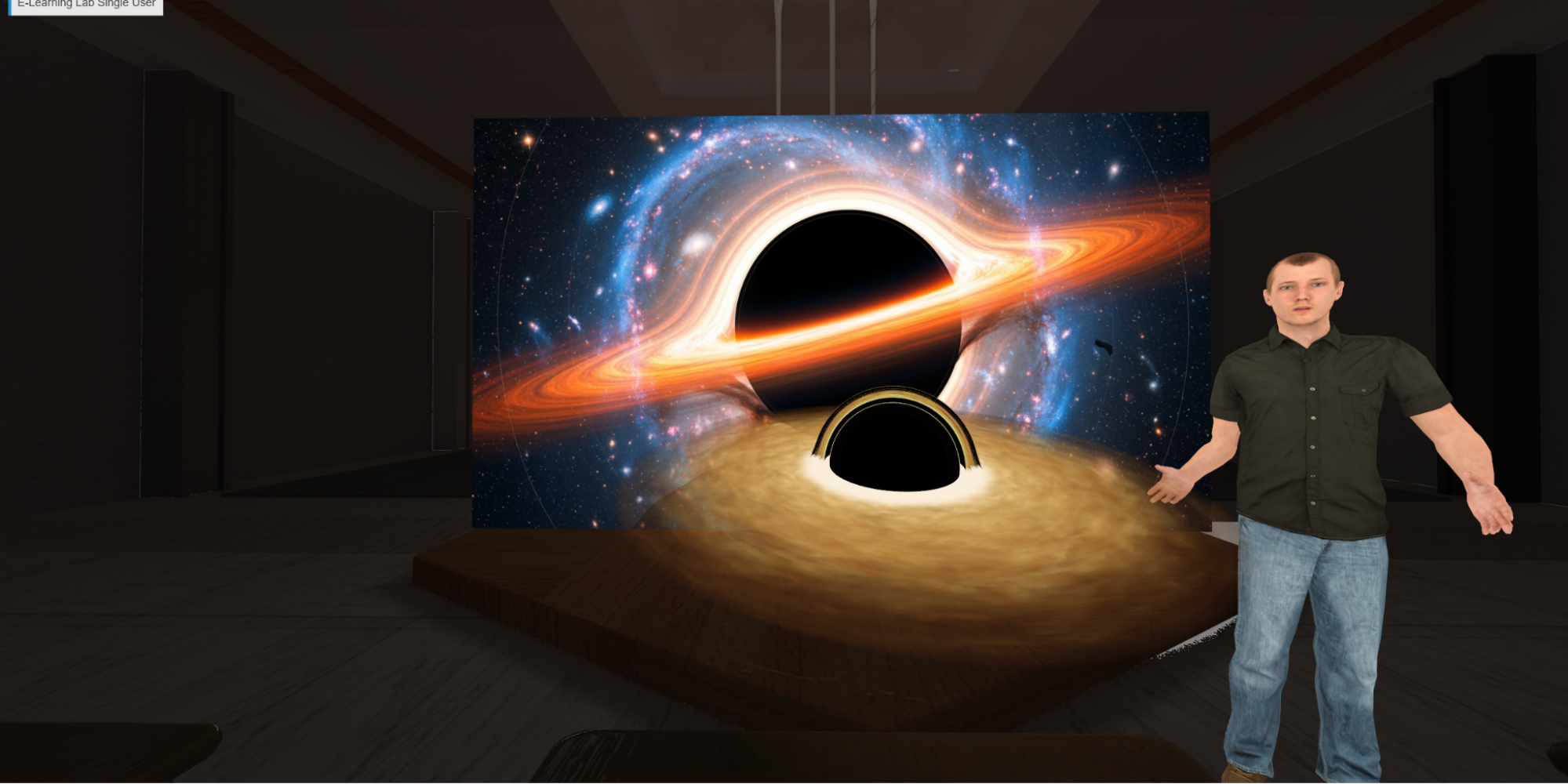
AI agents are a core part of the E-Learning Lab experience and can appear as 3D avatars (with experimental support for live video-based agents) within lessons. These agents can guide students through content, answer questions, adapt explanations dynamically based on lesson context, or simply act as a tutor to discuss educational content in further detail.
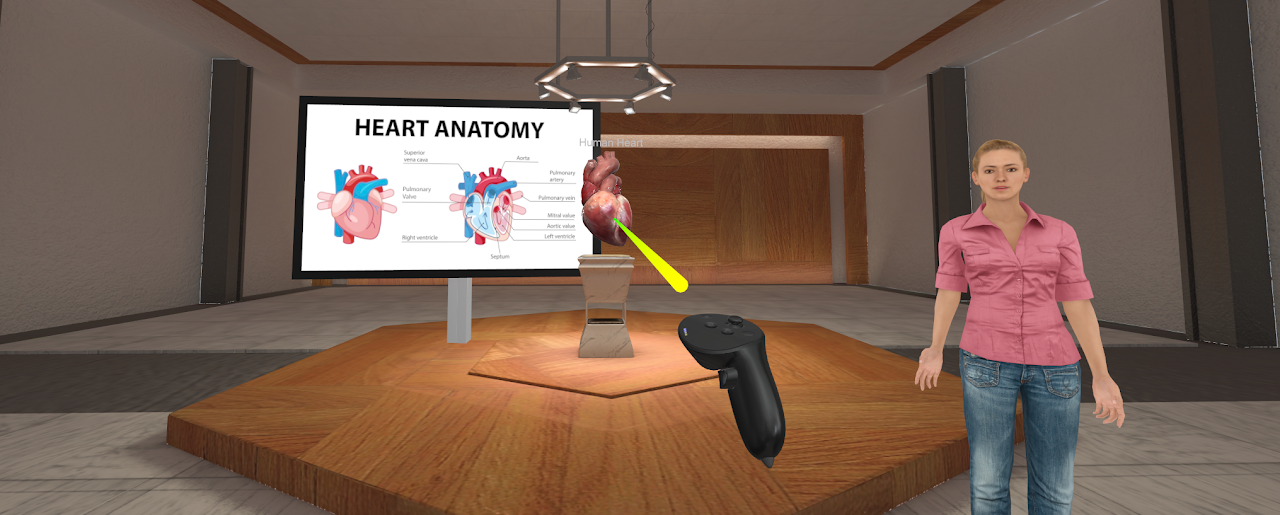
In addition to voice interaction, learners can point and click on objects, screens, or interface elements to trigger AI responses, explanations, or next steps—making AI guidance accessible in both headset and desktop modes.
AI agents can incorporate emotional and contextual awareness, adjusting tone, expressions, and responses based on learner interaction, session flow, or instructional goals—supporting more natural and engaging learning experiences.
With vision-enabled AI models, agents can interpret visual content within the scene, including images, slides, and objects, allowing students to ask questions like “What am I looking at?” or “Explain this diagram.”
Support for 41 Languages
Read a recent study on learning outcomes with AI tutor assisted instruction
Any object in a scene can be made interactive using simple interaction tags. Objects can be marked as grabbable, animated, or designated as targets for gaze tracking and interaction analytics. This enables hands-on learning experiences where students actively manipulate and explore content.
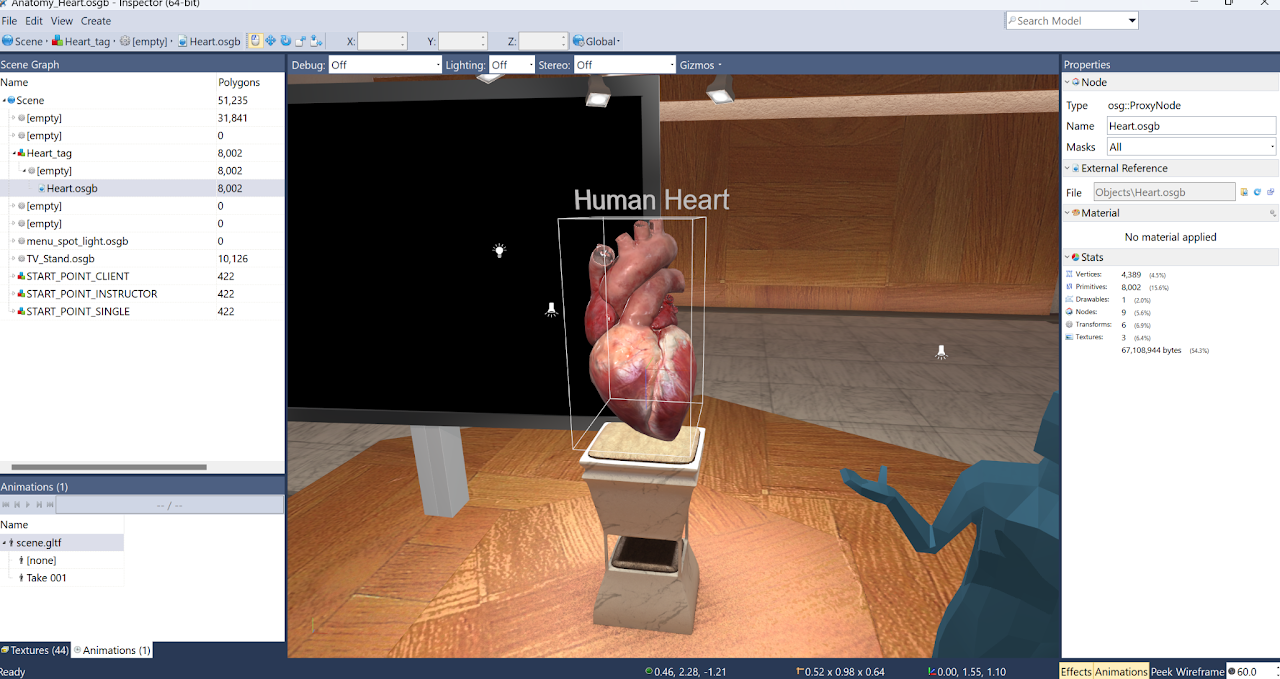
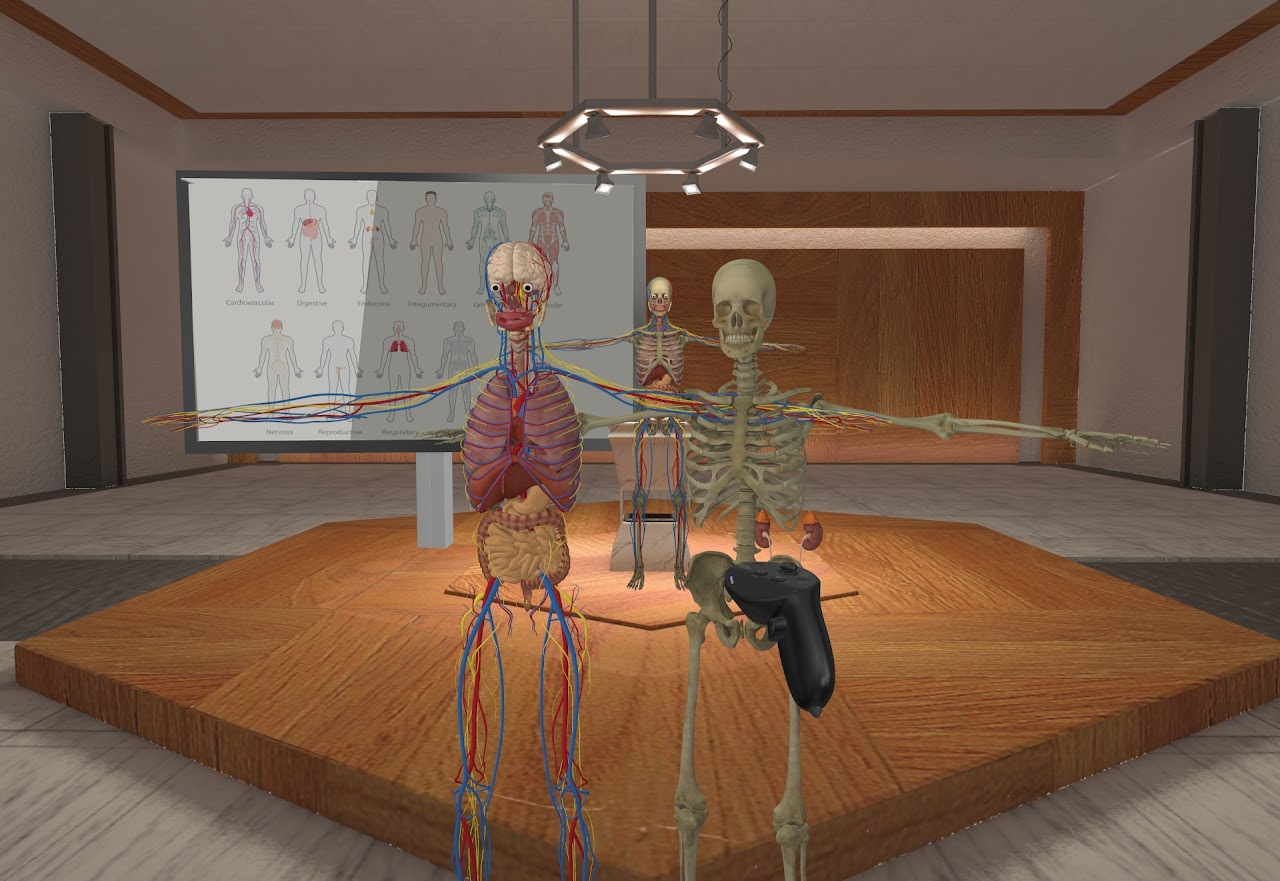
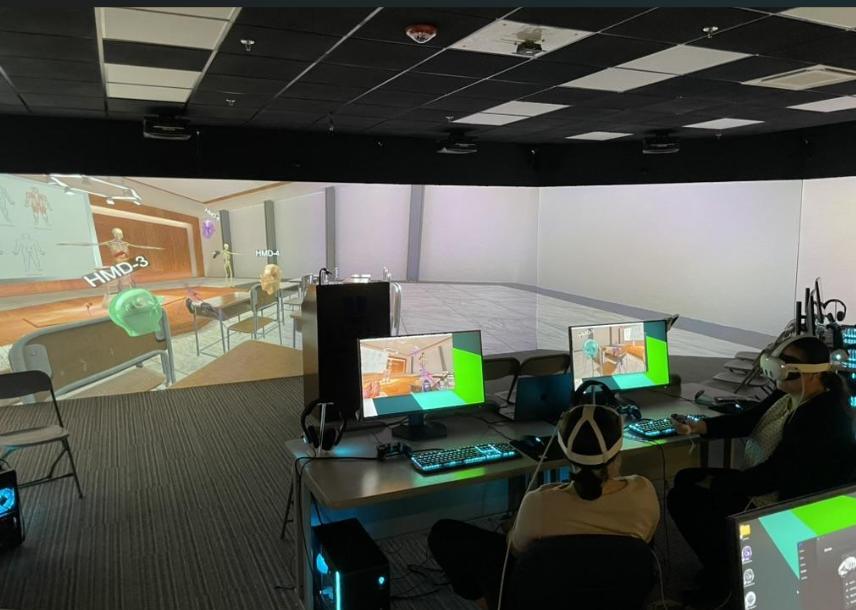
The E-Learning Lab supports both single-user and multi-user sessions using the same lesson content. Instructors can run experiences in desktop mode or VR, while multi-user SightLab enables synchronous, collaborative VR classrooms where multiple students share the same virtual space.
Integrated AI agents allow learners to ask natural language questions—such as “What are we learning about?”—and receive context-aware responses based on lesson content.
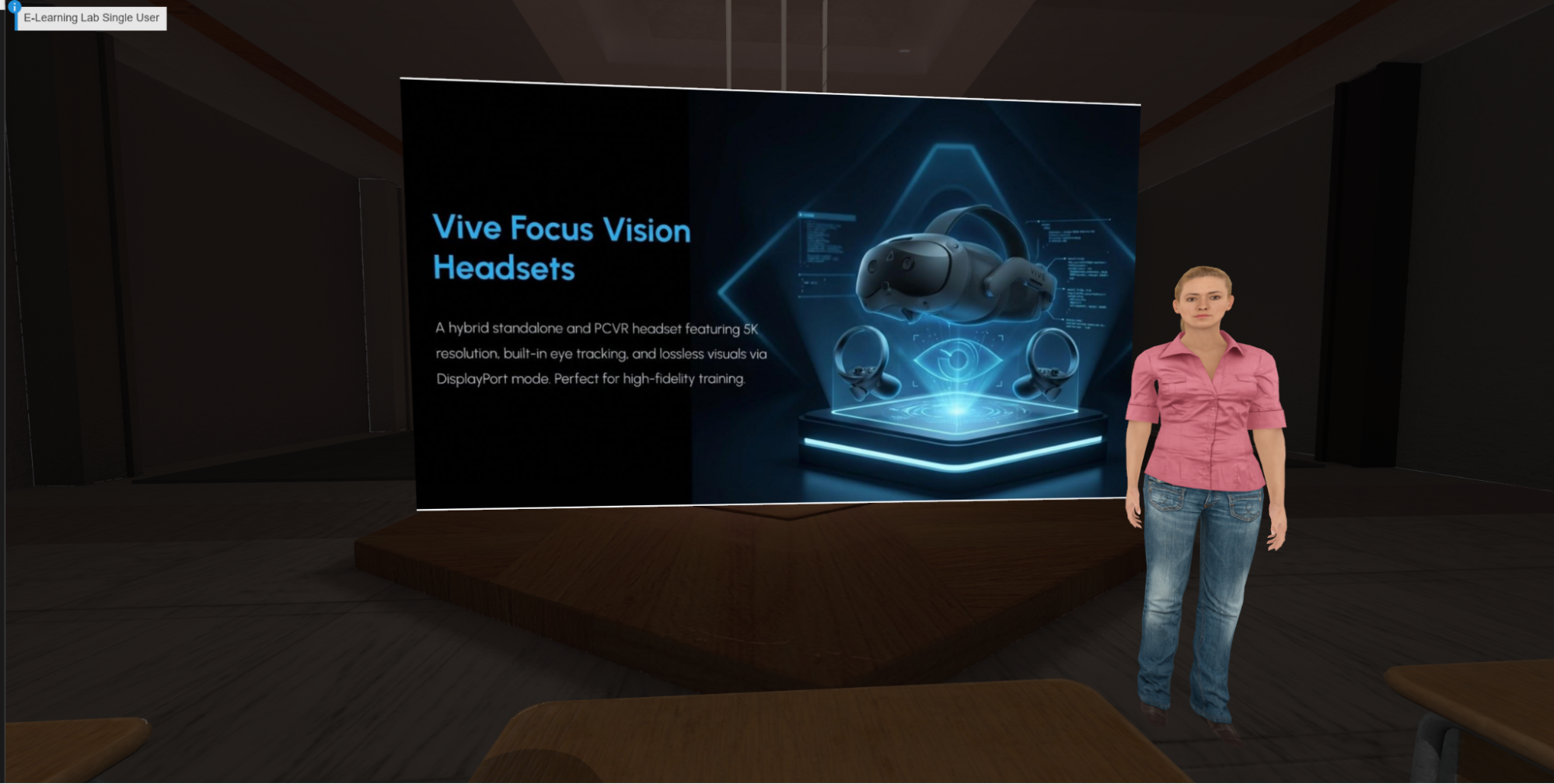
The E-Learning Lab allows instructors to import PowerPoint slides, PDFs, Text Files, Images, zip files and other instructional materials and automatically convert them into immersive VR presentations. Content can be placed on virtual screens, arranged spatially, and enhanced with interaction, narration, and AI-driven explanation—preserving existing curricula while transforming delivery. This can also be used as tutor for students to upload their notes, textbooks, and existing material to gain a deeper understanding.
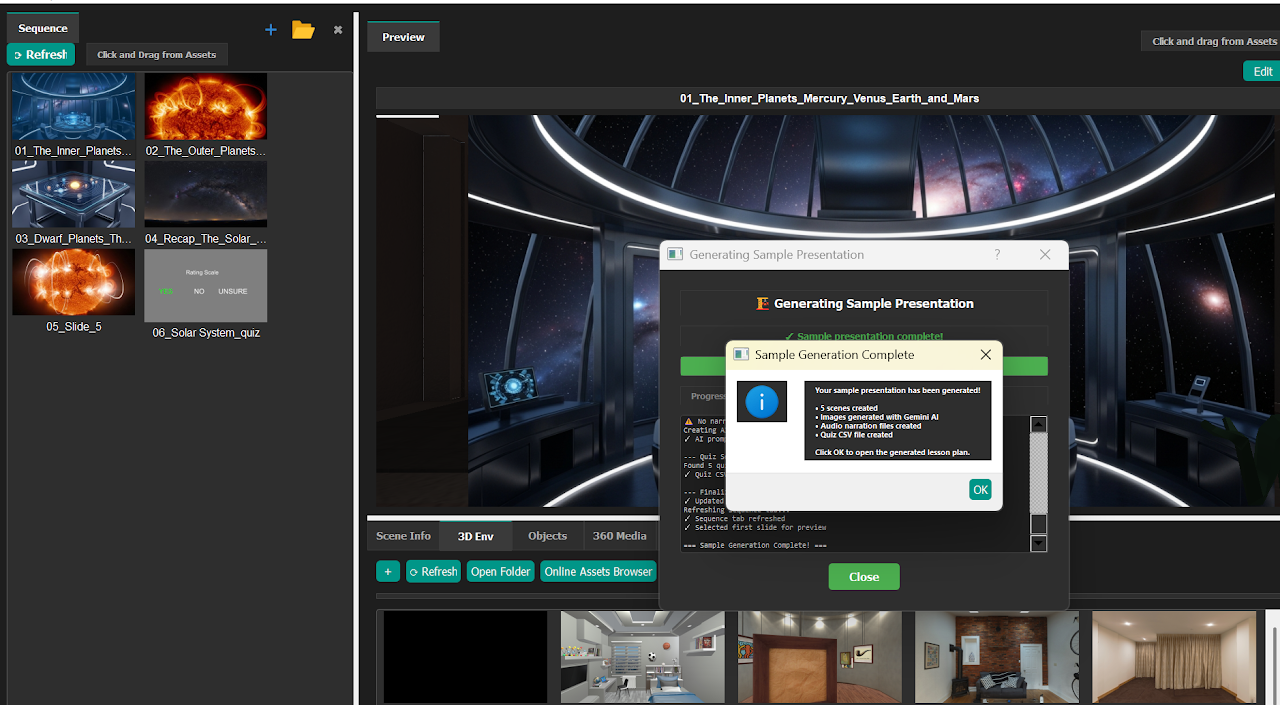
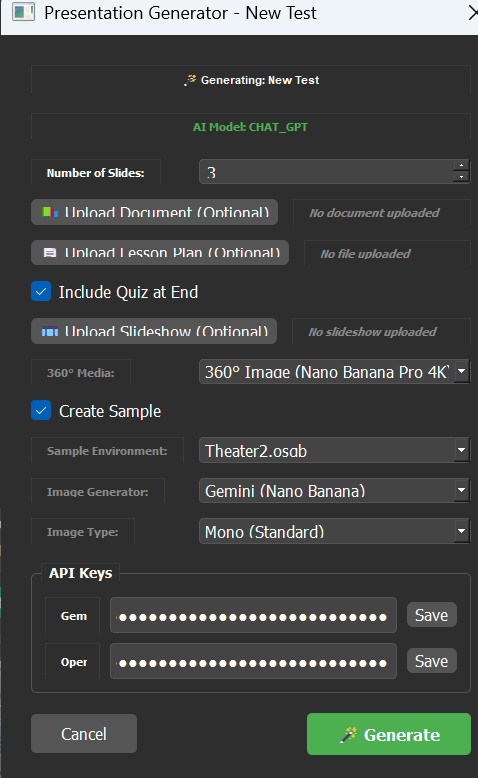
The built-in Presentation Generator uses AI to automatically create immersive lessons from any topic. Instructors can generate outlines, slides, narration, quizzes, and visual content in minutes, or refine AI-generated lessons using their own materials. This enables rapid lesson creation for new topics or just-in-time instruction. Upload content and set options.
In addition to VR, the E-Learning Lab supports augmented reality experiences, allowing digital content to be overlaid onto the physical environment. AR can be used for blended learning, mixed-reality instruction, and scenarios where maintaining awareness of the real world is essential.
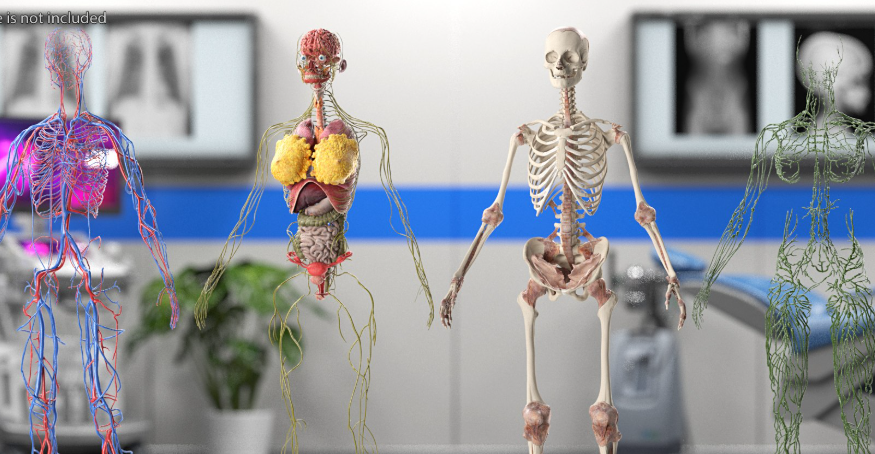
Audio is fully integrated into the platform, including:
This enables consistent narration across lessons and supports accessibility and multilingual delivery.
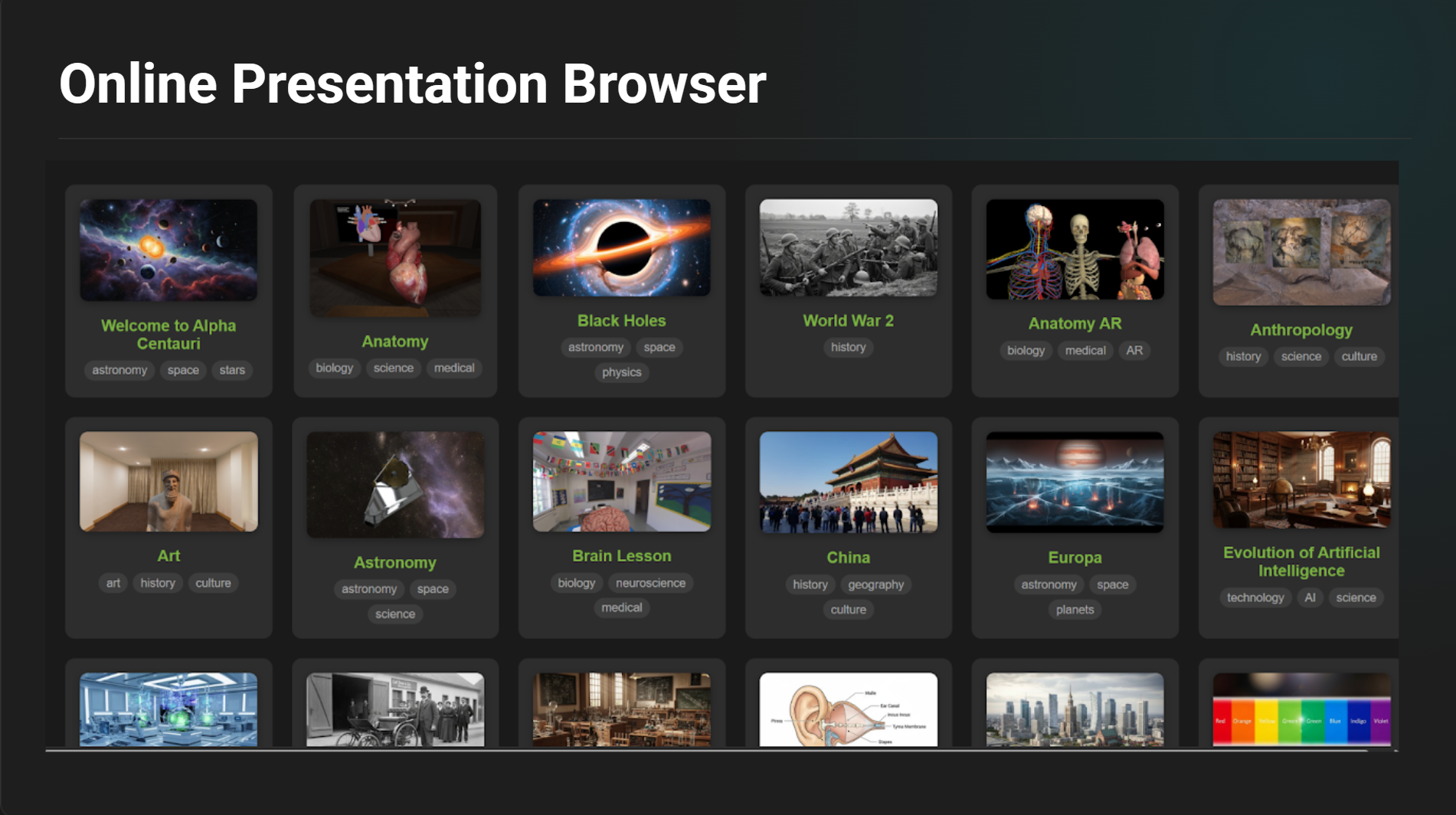
Instructors can access an online presentation browser with ready-to-use sample lessons and starter content. These presentations can be downloaded, customized, and extended—allowing educators to get started immediately or build upon existing examples.
The E-Learning Lab supports integration with third-party tools and services, including:
This makes the platform suitable not only for teaching, but also for advanced research and experimental workflows.
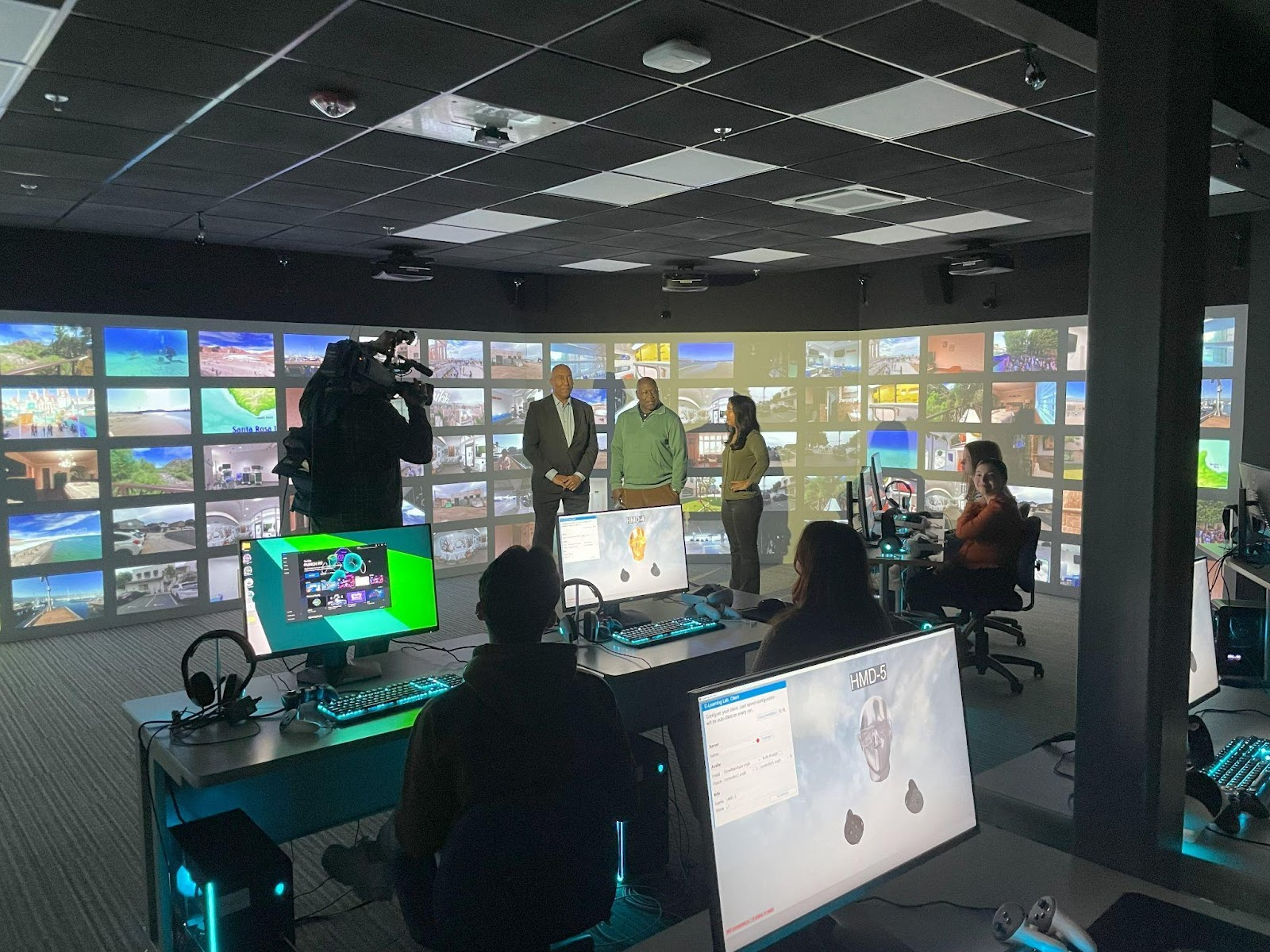
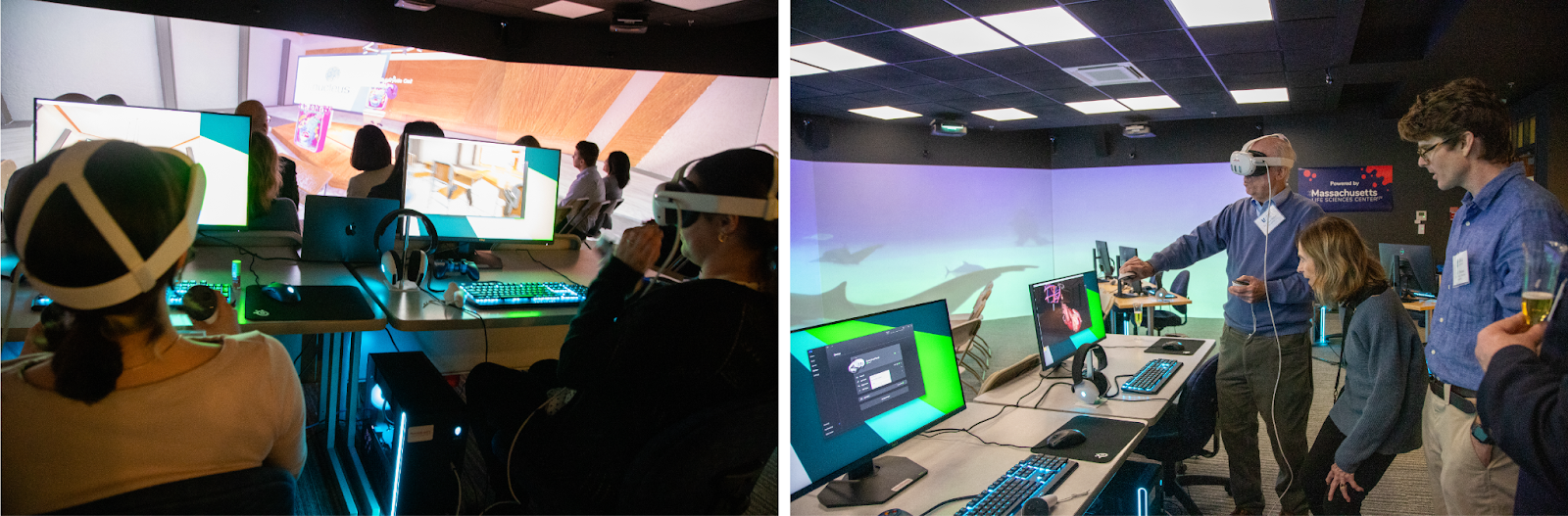
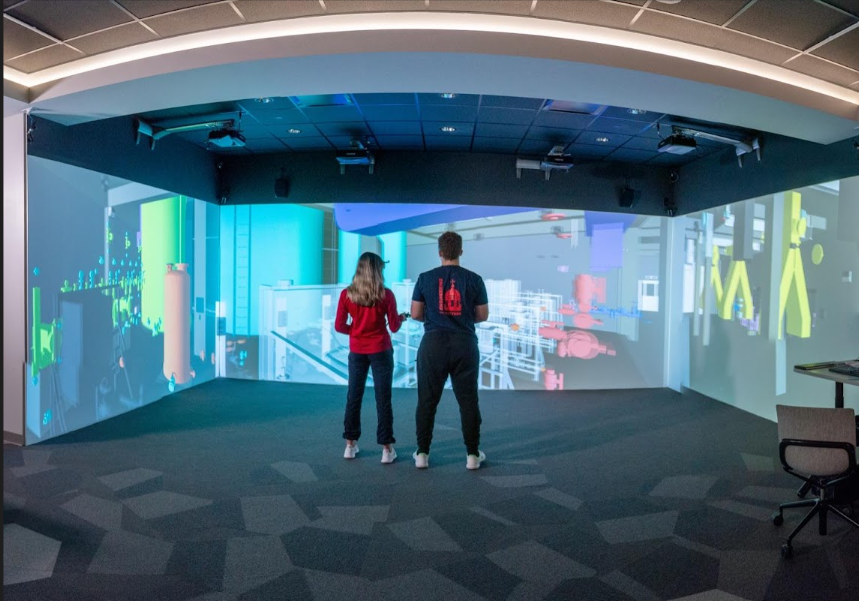
Beyond headsets, the E-Learning Lab supports projection-based VR environments, including PRISM immersive theaters. These systems enable shared, large-format immersive experiences for lectures, demonstrations, and group learning—ideal for classrooms where headsets are impractical or when collective discussion is desired.
The platform supports multiple avatar libraries and styles, allowing institutions to choose representations that fit their use case. Instructors and students can also use custom avatars.
Support for full-body tracking enables realistic movement and embodiment in multi-user sessions, enhancing presence, communication, and social learning.
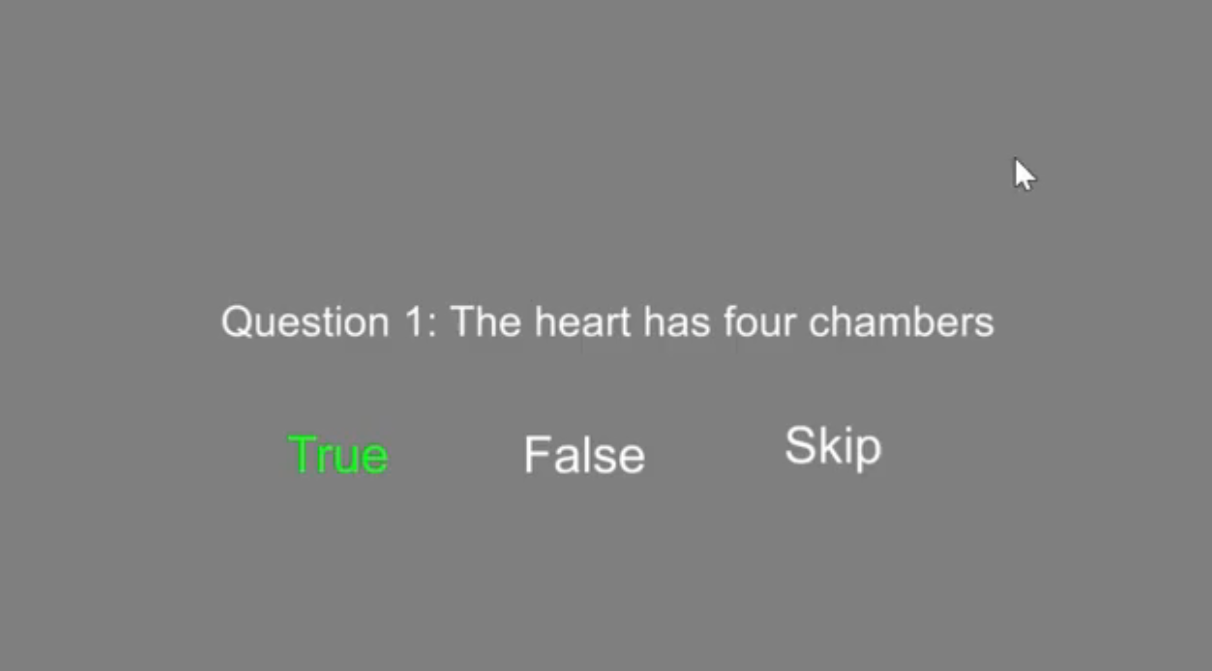
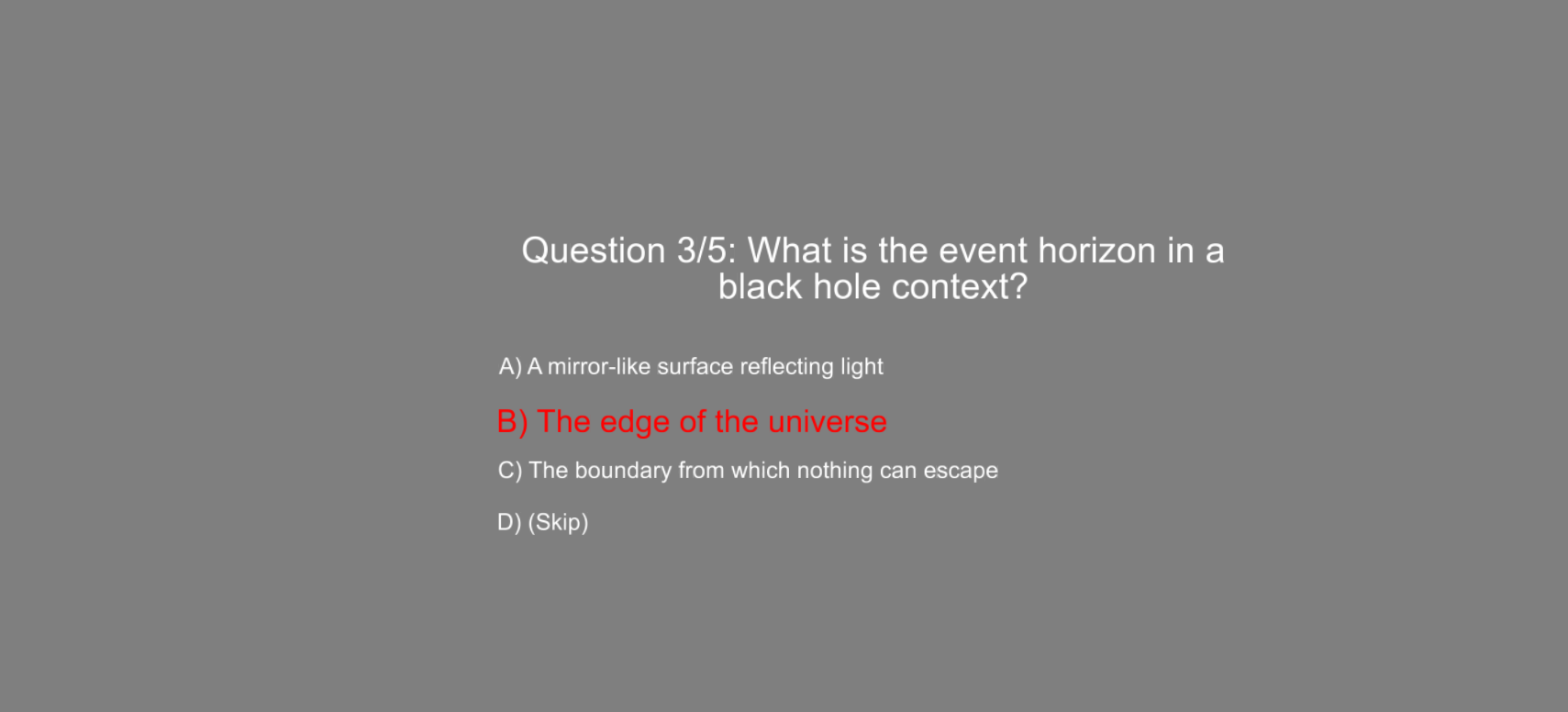
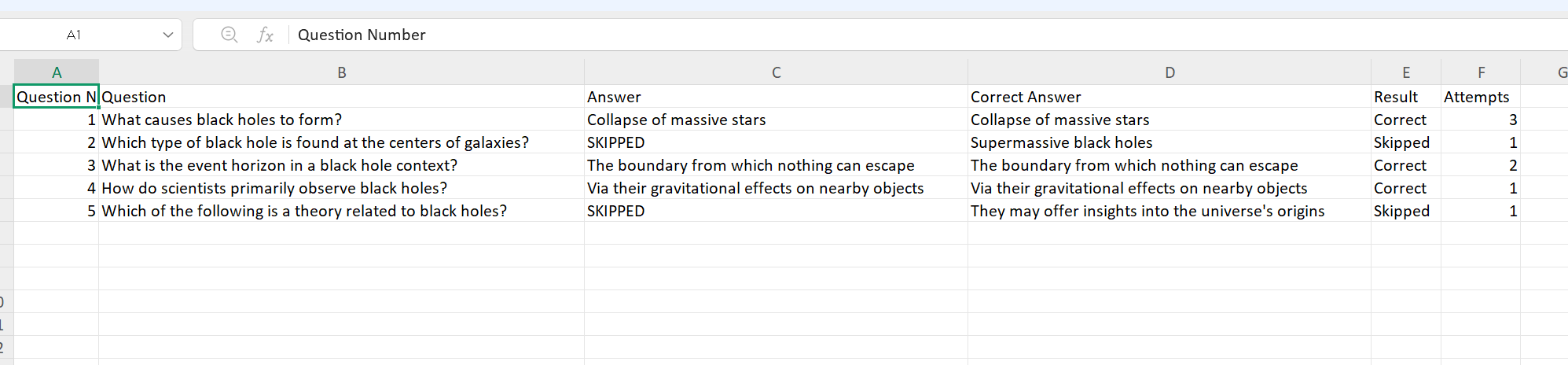
This allows instructors to rapidly assess learning outcomes, guide students step by step, and collect structured assessment data without manual setup.
The E-Learning Lab supports screen casting and live content sharing, allowing instructors to bring desktop applications, web content, or live video feeds directly into the virtual environment. Screencasts can be displayed on large virtual screens, mirrored instructor views, or shared across multi-user sessions, enabling seamless integration of real-time demonstrations, software walkthroughs, and external content.
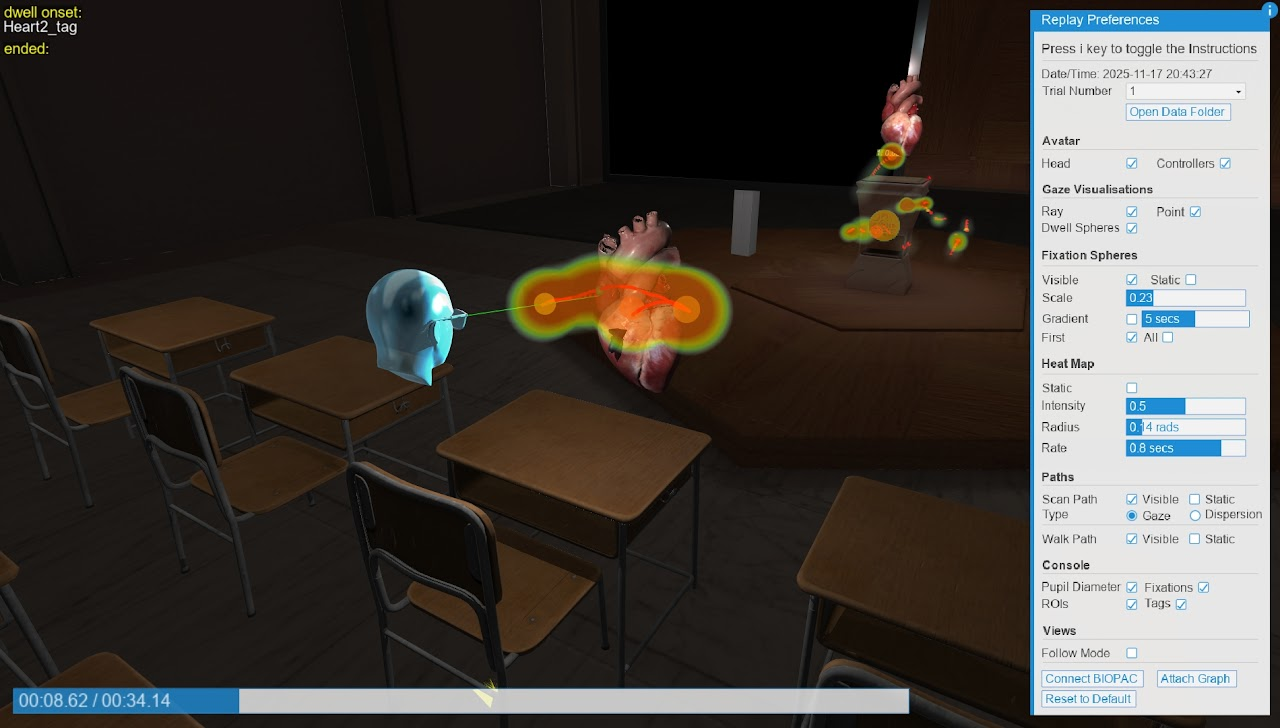
Every session is automatically recorded, capturing:
Sessions can be replayed in full 3D, allowing instructors and researchers to review learner behavior exactly as it occurred. For advanced research applications, the platform integrates tightly with BIOPAC physiological sensors, enabling synchronized heart rate, skin conductance, engagement indicators, and biofeedback visualizations.
Instructors maintain full control over the classroom experience. They can freeze or transport participants, control playback and screens, pause or resume sessions, and add or remove users in real time. A centralized client launcher simplifies deployment and management across multiple machines and spaces.
Worldviz software is used by leading institutions worldwide to power interdisciplinary VR labs and classrooms, supporting education, training, research, and simulation across disciplines.
What sets the Multi User SightLab with the E-Learning Lab apart is not just immersion, but measurement, flexibility, and instructional control:
SightLab with the E-Learning Lab represents a new generation of educational technology—one that moves beyond passive VR experiences toward interactive, intelligent, and measurable learning. By combining immersive media, AI assistance, collaborative classrooms, and research-grade analytics, it empowers educators to rethink how learning happens in virtual spaces.
To learn more about setting up VR Classrooms and Labs contact sales@worldviz.com
Click here to learn about an immersive classroom use case at Lasell University
For more information on SightLab’s E-Learning Lab click here