
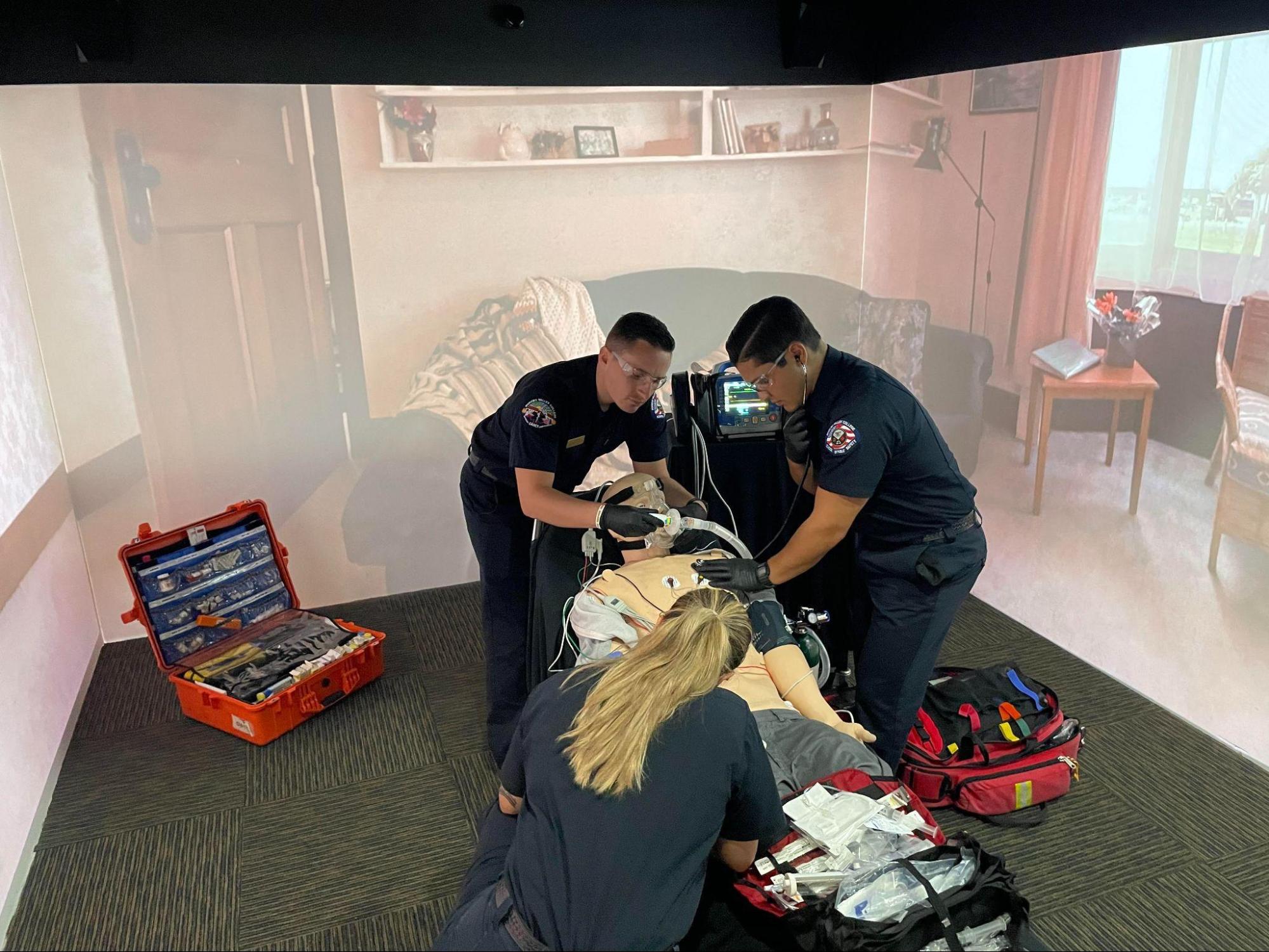
Imagine stepping into a room where the very walls come alive at your touch, responding with sound, scenery, and sensory cues that guide learners through complex, real-world workflows. That’s the defining idea behind the WorldViz PRISM Virtual Simulation Room — a seamless fusion of immersive projection, directional sound, intuitive interaction, and scenario-based learning that transforms training environments into responsive, learner-driven spaces.
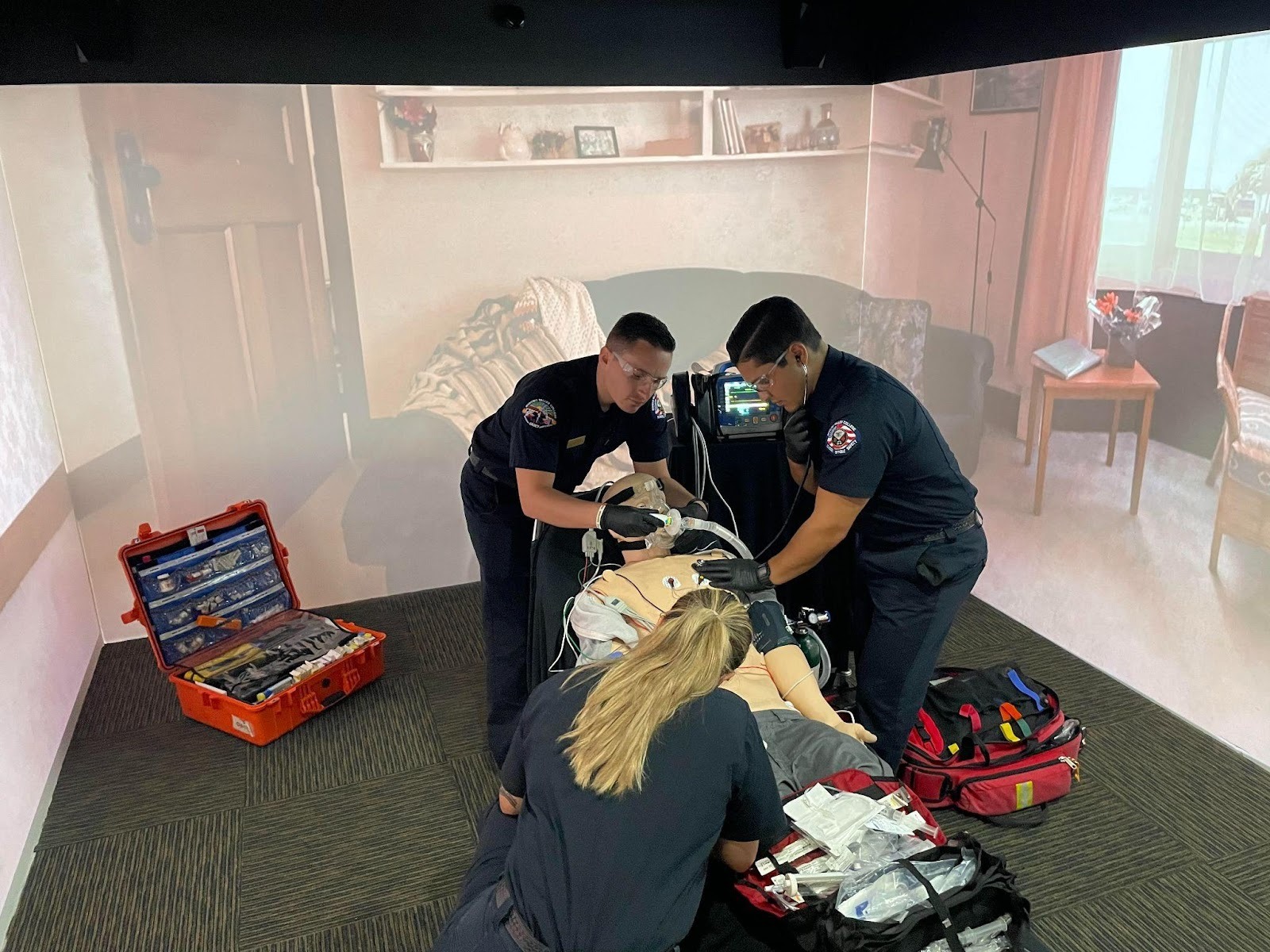
At its core, PRISM is built to make simulation training genuinely interactive. WorldViz has rethought how learners engage with virtual environments: instead of static projections or headset-only VR, PRISM creates a shared 360° experiential room where every surface is a working interface, gestures can trigger change, and scenario progression happens naturally within the space.
Learn more about PRISM here: https://www.worldviz.com/virtual-simulation-room
The heart of PRISM’s innovation lies in its touch-activated projection walls. These immersive surfaces respond to taps and swipes, allowing instructors and learners to trigger events directly from the environment itself. With a touch on the wall, users can change locations, advance scenarios, activate sounds, display prompts, — all without pausing the experience.
In PRISM, walls are not passive backdrops. They become active elements of the simulation, shaping the flow of training in real time. This enables learners to stay physically and cognitively engaged, maintaining continuity as scenarios evolve from one stage to the next.
To illustrate how these interactive elements work in practice, the following short videos showcase PRISM’s touch-driven innovations in action:
Inside PRISM — A Multi-Stage Virtual Simulation Room
https://www.youtube.com/shorts/5MT68YUPg1U
A guided walkthrough of PRISM’s 360° projection environment, demonstrating how learners can use touch-sensitive wall triggers to move seamlessly from an injury scene, to transport, to handoff with hospital-based care — all within a single immersive room.
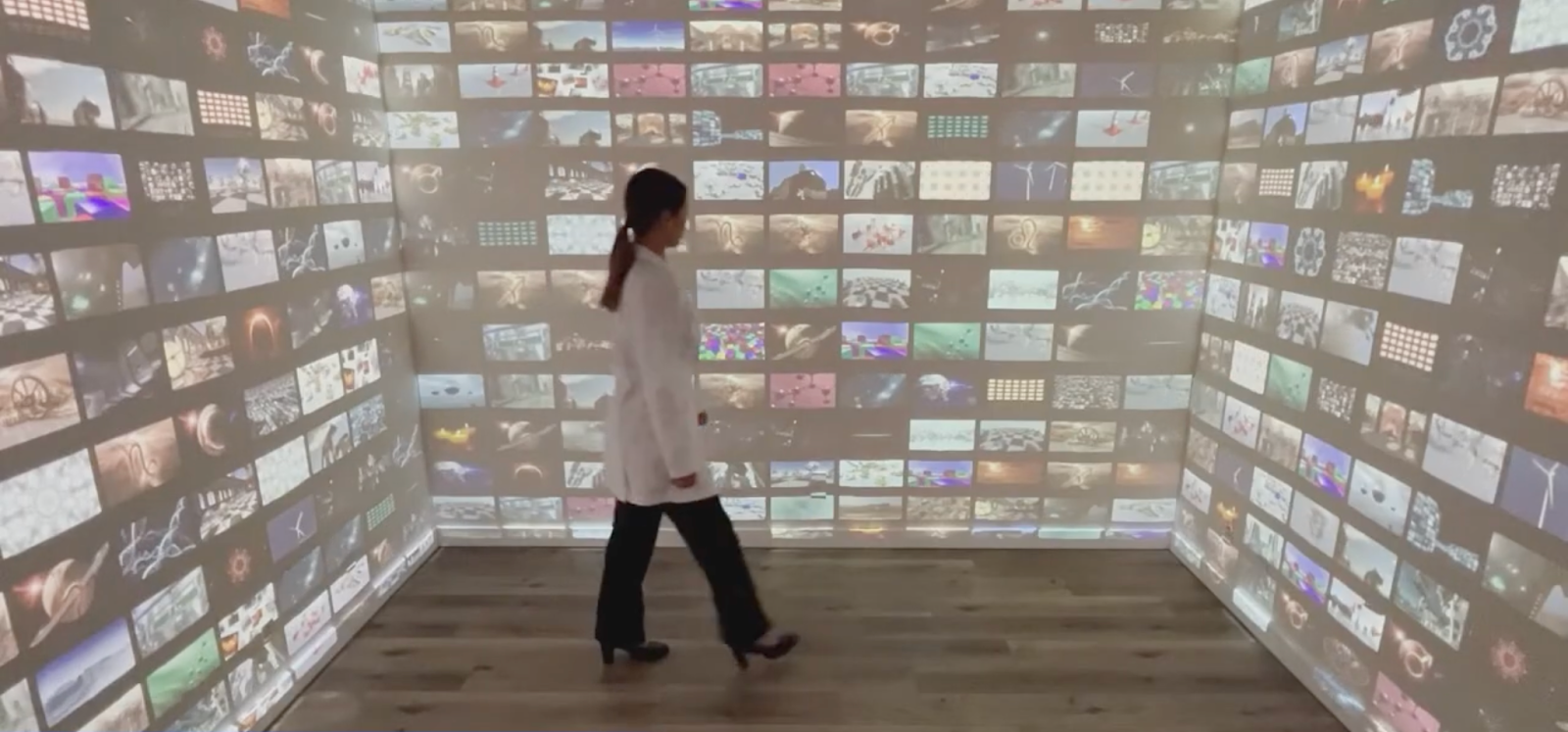
PRISM Gallery Mode
https://www.youtube.com/shorts/W9w2OzvIptU
Highlights Gallery Mode, where users browse and select environments with tap and swipe gestures directly inside PRISM, making scenario setup, selection, and transitions intuitive and instructor-friendly.
PRISM Triggering Sounds
https://www.youtube.com/shorts/mb-FDHCIvLM
Demonstrates how audio cues can be activated through interactive touch triggers, adding realism and situational context to training scenarios.
PRISM Triggering Layers
https://www.youtube.com/shorts/Zd_bWPJtWi0
A closer look at interactive layers embedded within the virtual environment, allowing users to control scenario flow, activate events, or escalate complexity with simple gestures.
PRISM Triggering Display Prompts
https://www.youtube.com/shorts/92_GX9sR0TI
Shows how visual prompts and on-wall information appear in response to interaction, supporting learners with Q & A elements, guidance, cues, or decision-critical information at the right moment.
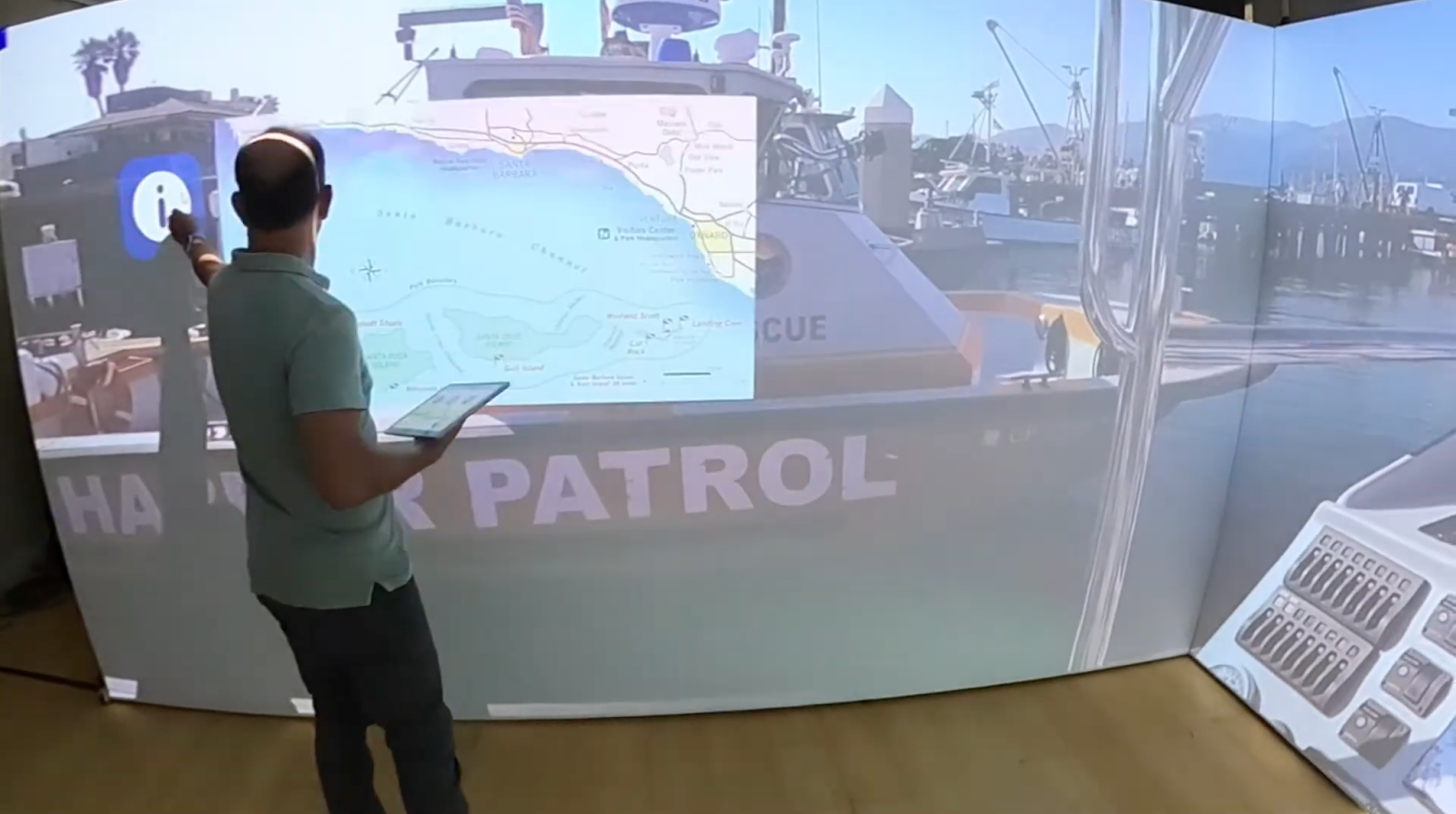
PRISM’s interactive features are designed to support active, experiential learning rather than passive observation. Key capabilities include:
Together, these features enable simulation designers and educators to build experiences where learners shape the scenario through their actions, reinforcing decision-making, situational awareness, and team communication.
By turning walls into interfaces, PRISM removes barriers between learners and content. There’s no need to step out of the experience to manage technology — interaction happens inside the simulation itself. This results in higher engagement through physical interaction, more natural scenario flow across environments, reduced setup complexity compared to multi-room simulation centers, and a scalable, high-fidelity approach to immersive training.
From EMS and nursing education to interprofessional clinical training, PRISM’s interactive innovations allow one room to support an entire continuum of learning — dynamically, intuitively, and collaboratively.
PRISM’s immersive power isn’t limited to vertical surfaces. Floor projection plays a critical role in grounding users inside the scene — sometimes in ways that are unexpectedly convincing. A short, silent video captured inside PRISM shows this effect vividly:
https://www.youtube.com/shorts/1ztkYIjBQXg
In this clip, a user stands inside a projected California beach bike path. The visual realism and motion across the floor projection create a strong sense of presence. When cyclists appear to come from behind and move into the scene, the user instinctively reacts, momentarily startled — a spontaneous response that underscores how convincingly PRISM merges visuals, scale, and perspective. It clearly demonstrates how immersive projection alone can influence perception and behavior.
Learn more about PRISM here: https://www.worldviz.com/virtual-simulation-room
Contact us at sales@worldviz.com to discuss how we can help you enhance your training tools.