
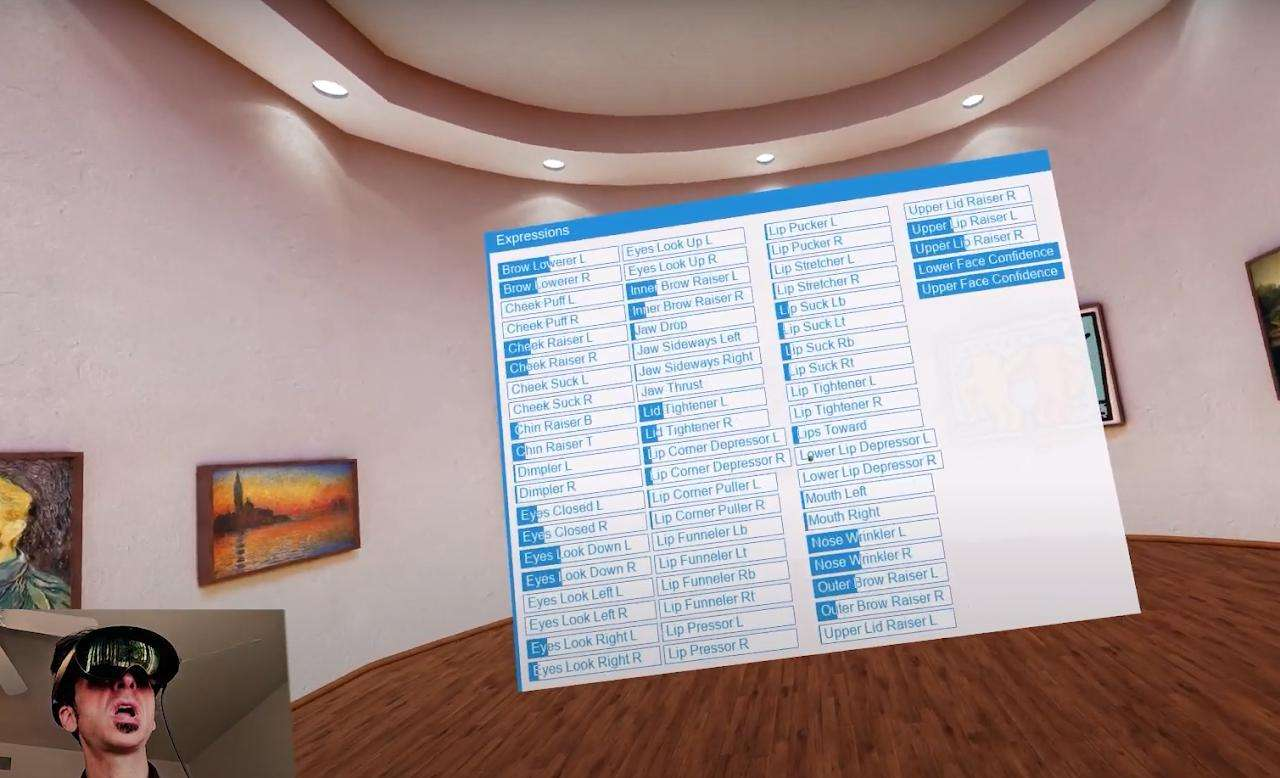
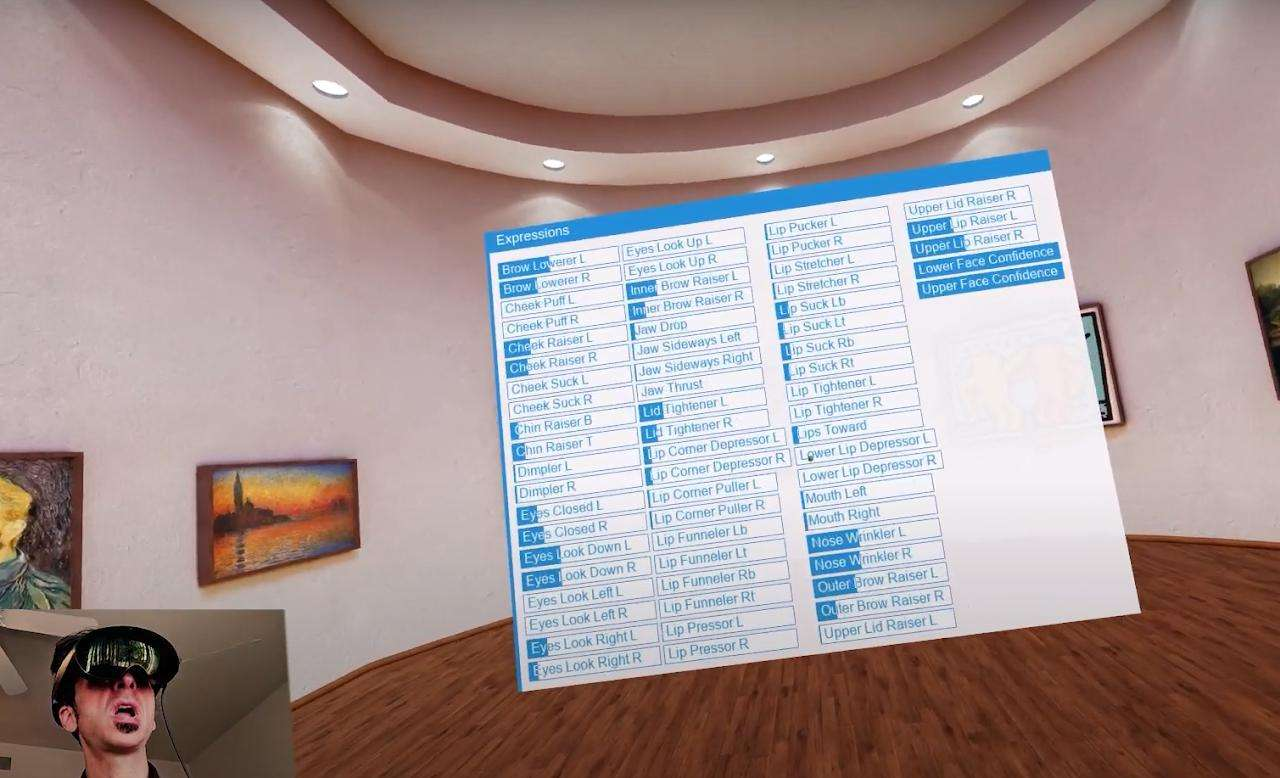
The HTC Vive Focus Vision is a powerful standalone OpenXR headset that supports eye tracking, hand tracking, stereo passthrough — and with the Face Tracker add-on, full lower-face expression tracking. When integrated with SightLab, you can record and analyze facial expressions alongside gaze, head position, hand tracking, and experimental events.
For more information see this page https://help.worldviz.com/sightlab/face-tracking/
This guide walks you through:
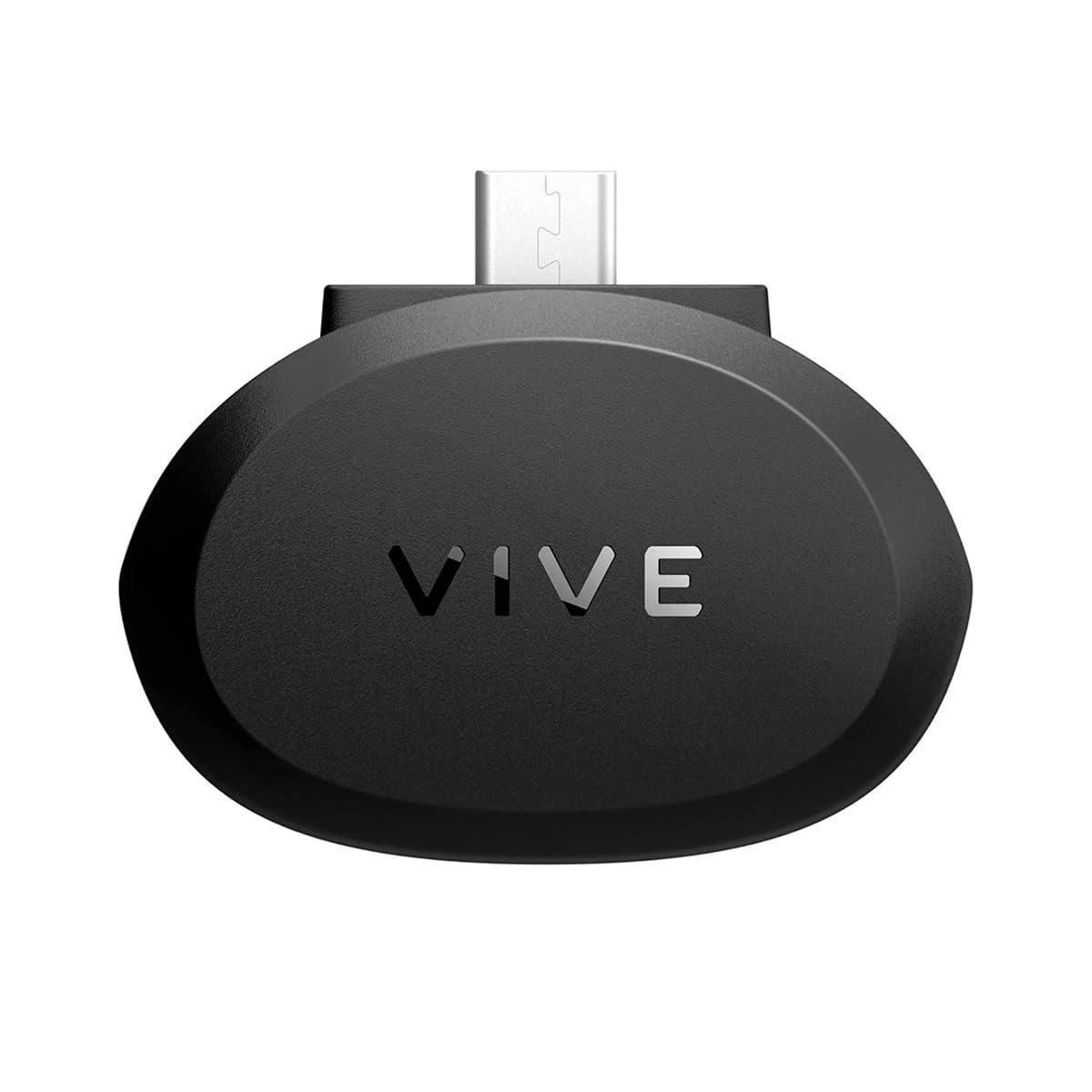
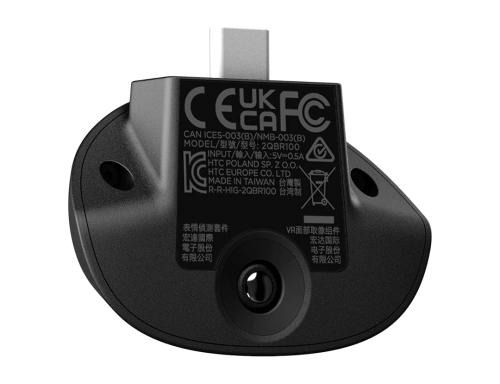
SightLab uses OpenXR for face tracking access.
According to the Vive Focus Vision setup documentation , you must:
In SightLab GUI:
You can see in the configuration file that this maps to:
'Vive Focus Vision':'vizconnect_config_focus_vision_openxr.py'
(from settings.py )
This ensures:
SightLab provides two modules:
from sightlab_utils import face_tracker_data
from sightlab_utils import face_tracker_data_htc
The HTC module is required for Vive Focus Vision.
import sightlab_utils.sightlab as sl
from sightlab_utils.settings import *
from sightlab_utils import face_tracker_data_htc
import vizact
import viztask
sightlab = sl.SightLab()
# Initialize face tracking
face_tracker_data_htc.setup()
def sightLabExperiment():
yield viztask.waitEvent(EXPERIMENT_START)
while True:
# Continuously update facial tracking
vizact.ontimer(0, face_tracker_data_htc.UpdateAvatarFace)
yield sightlab.startTrial(
startTrialText="Make facial expressions.\n\nPress Trigger to Start"
)
yield viztask.waitKeyDown(" ")
yield sightlab.endTrial()
viztask.schedule(sightlab.runExperiment)
viztask.schedule(sightLabExperiment)
viz.callback(viz.getEventID('ResetPosition'), sightlab.resetViewPoint)
The HTC Vive Face Tracker provides two groups of parameters:
EYE_LEFT_BLINK
EYE_RIGHT_BLINK
EYE_LEFT_WIDE
EYE_RIGHT_WIDE
EYE_LEFT_SQUEEZE
EYE_RIGHT_SQUEEZE
...
LIP_JAW_OPEN
LIP_JAW_FORWARD
LIP_MOUTH_SMILE_LEFT
LIP_MOUTH_SMILE_RIGHT
LIP_CHEEK_PUFF_LEFT
LIP_CHEEK_PUFF_RIGHT
LIP_TONGUE_UP
LIP_TONGUE_DOWN
...
Each value is typically normalized between 0–1.
These values are:
From the ExampleScripts folder :
Maps your facial expressions to an avatar.
Expression values drive real-time GUI sliders.
Plots expression values using matplotlib.
Saves facial tracking values per trial.
Here’s how researchers commonly use Vive Focus Vision face tracking in SightLab:
Measure:
During:
Track:
Combine with:
Facial data can enhance AI avatar systems (see AI Agent docs ):
Combine:
For multimodal stress analysis.
Face tracking values are:
You can replay sessions using the built-in replay tools.
Reduces dropped frames.
Must be enabled in Vive Business Streaming.
Validate tracking before running full experiment.
Configure trials in GUI, extend with Python.
To use the Vive Focus Vision Face Tracker with SightLab:
You now have full multimodal behavioral data collection:
All synchronized inside SightLab.
To see how you can use face tracking in your research with SightLab and Vizard contact sales@worldviz.com
To request a demo of SightLab click here https://help.worldviz.com/sightlab/