
Sado Rabaudi & Peter Schlueer
How Combining Projection VR and Headset VR Turns a Classroom or Presentation Space Into a Shared Immersive Experience
Virtual reality is often pictured as a solitary experience: one person, one headset, one isolated point of view. That's a fair description of a lot of VR - but it misses one of the most useful things a well-designed VR space can do, which is bring an entire room into the experience at once.
That's the idea behind what our team calls VR Superpowers: the ability to let an audience see, follow, and engage with a live or multi-user VR experience without every single person needing to put on a headset. Combine a projection system with headset VR in the same space, and you get a classroom, training room, or showcase environment that flexes to whatever the moment calls for - a lecture, a demo, a hands-on activity, a public tour - without swapping equipment or starting over.
This is the use case we've actually been building and selling, and Lasell University is the clearest example of it. It's worth being direct about what a space like this is for: it's a teaching, learning, and showcase environment, not a research lab. Research can be done in it, but that's not why a school buys a combined projection-and-headset room. It buys one because it lets an instructor run a lesson, a demo, or a tour for a room full of people - some in headsets, some watching a wall - at the same time.
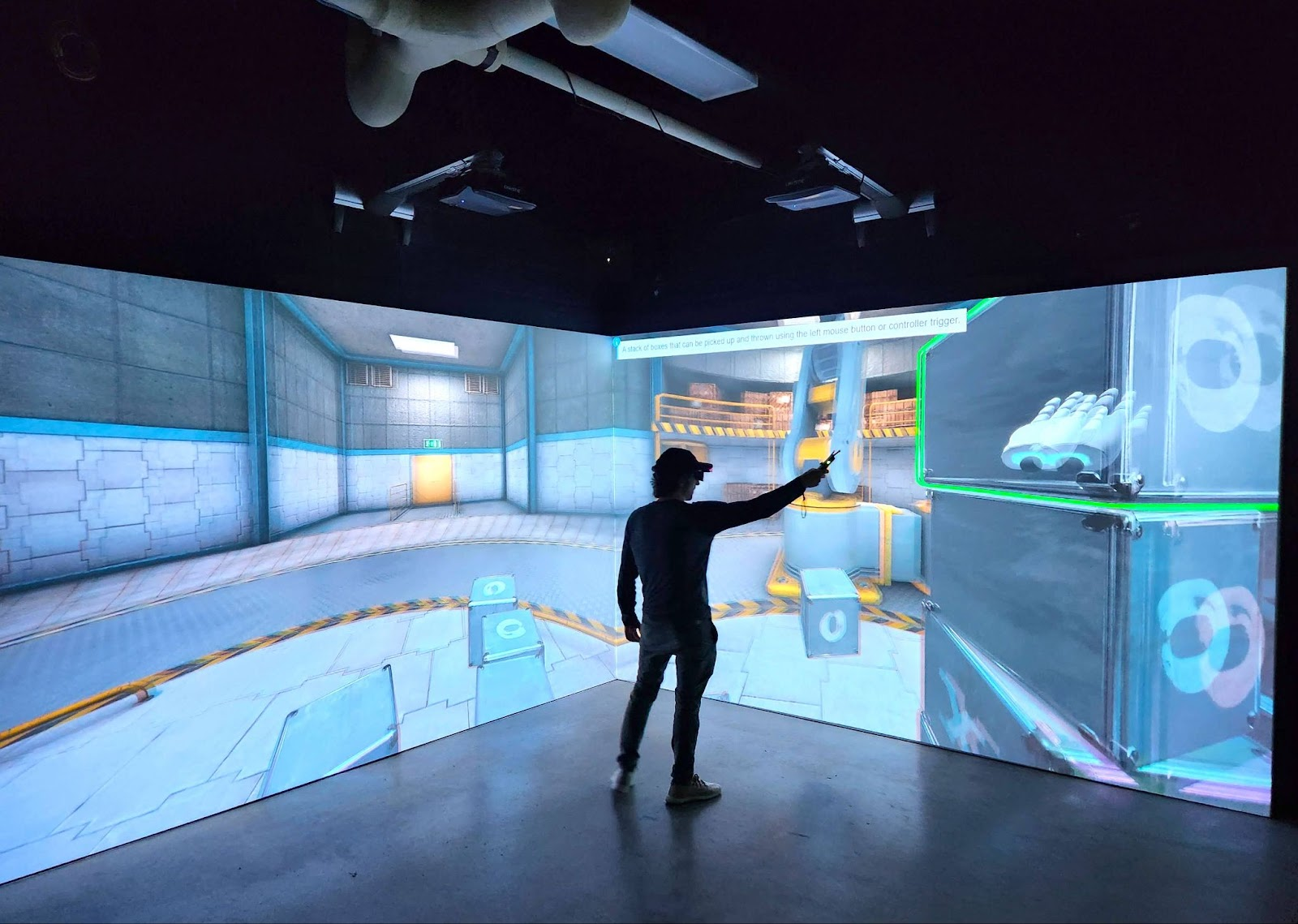
Projection VR uses large-format projection - a single wall, a corner installation, or a multi-sided wraparound - to put a virtual environment on display in a shared physical space, in standard 2D or stereoscopic 3D. It's inherently a group medium: everyone in the room sees the same thing at the same time, without headsets, which makes it a natural fit for lectures, orientation tours, design walkthroughs, and showcase demonstrations. It's worth noting that Projection VR as a standalone research instrument is a fairly narrow niche - the architecture, engineering, and construction (AEC) field is really the one place it sees regular research-style use, for design review and spatial evaluation of buildings and job sites.
Headset VR goes the other direction, giving each participant an individual, first-person experience with full 6-degrees-of-freedom movement and interaction. It's the format most people mean when they say "VR," and it's what gives multi-user experiences their sense of presence and embodiment - each student, trainee, or visitor moving and acting inside the same synchronized environment.
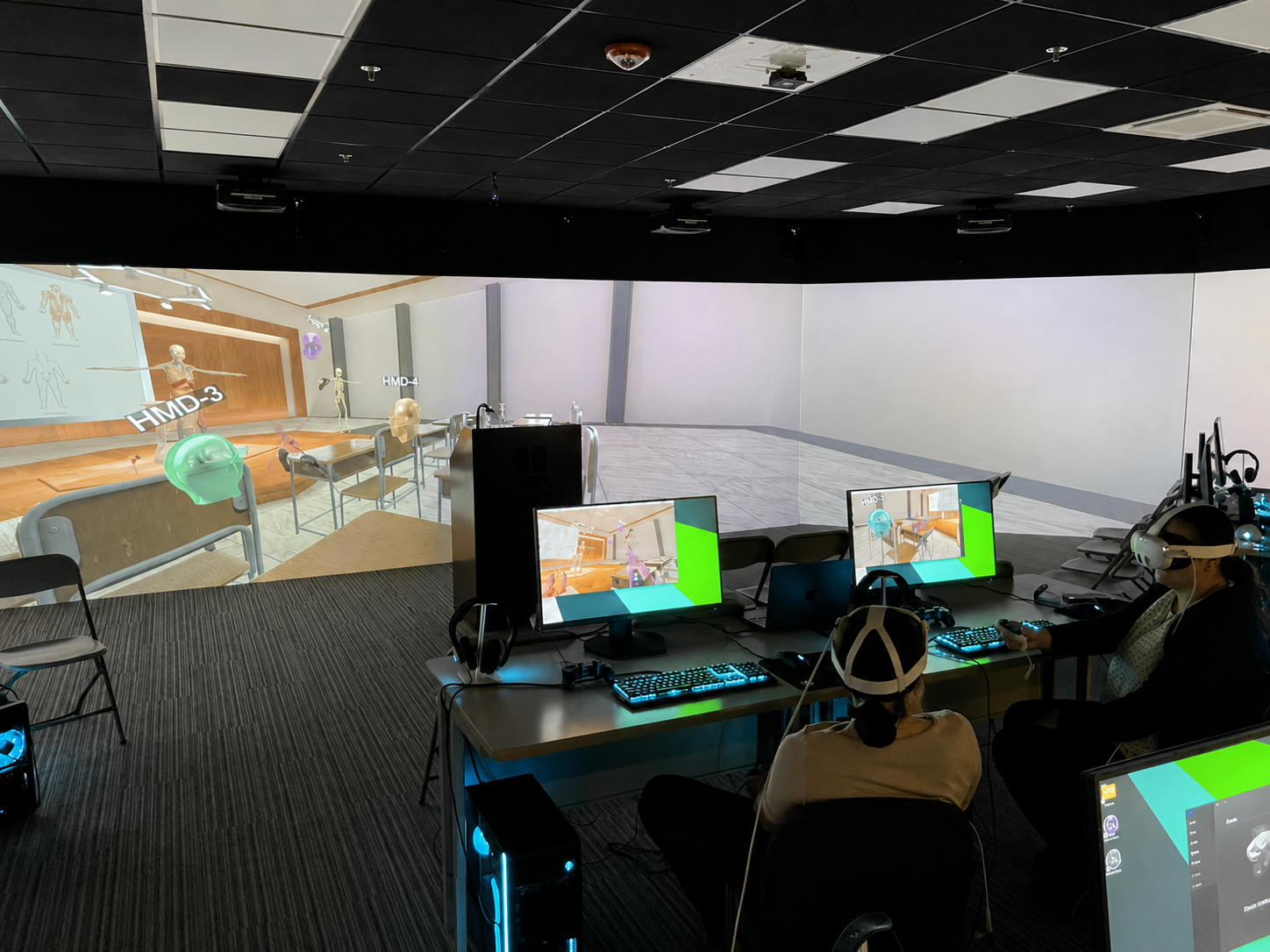
The reason to connect projection and headset VR isn't to build a research instrument - it's to give an instructor or presenter more ways to run a session for a group. In a Multi-User SightLab or E-Learning Lab setup, several participants can be inside the same synchronized VR environment through headsets, while the projection system shows that experience to everyone else in the room. That projection display can do a few different jobs:
A typical session might open with content on the big screen for the whole room, move into a multi-user headset activity for the students actually in VR, and close with a group discussion using the observer view - all without leaving the same software or swapping systems.
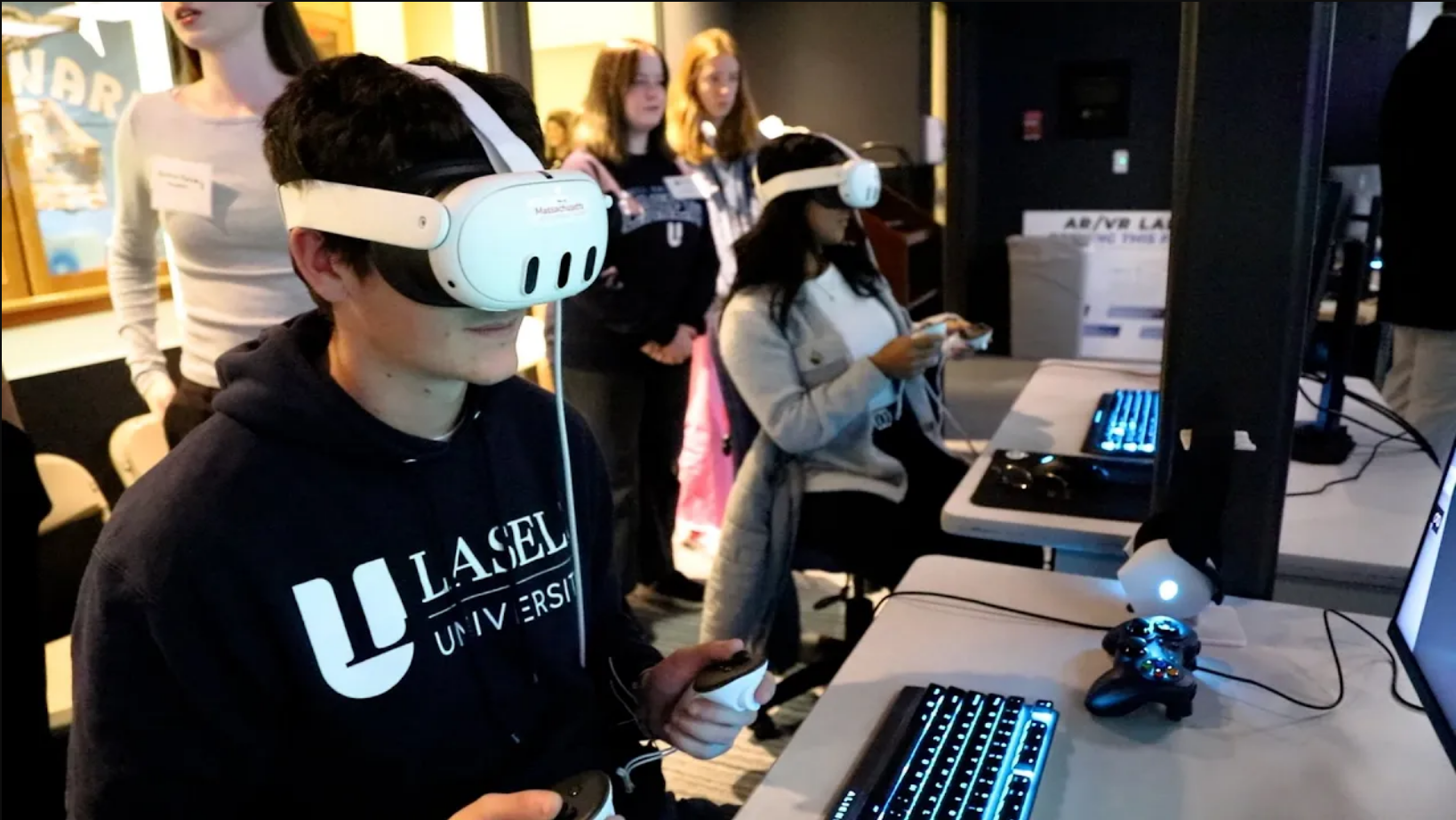
Because Projection VR and Headset VR in these spaces run on the same SightLab and E-Learning Lab foundation, instructors don't have to build separate content for each mode. Environments, 3D models, images, videos, and interactive objects go in once through the drag-and-drop authoring tools and can be delivered on the projection wall, in headsets, or both together. A lesson built for a projected classroom demo can be expanded into a full multi-user headset activity later, and vice versa - which matters a lot more for a teaching program building out a semester's worth of lessons than it does for a one-off research study.
None of this is worth much if switching between views is clunky or distracting. VizMove Connect and VizMove Hotkeys make it effortless: an instructor can move from a wide view of the whole room to a single student's perspective to a slide deck, live, with the press of a button. There's no fumbling with cables or software, and no pause in the lesson while the technology catches up. The class keeps moving, the audience stays with it, and nobody in a headset even notices the switch happened.
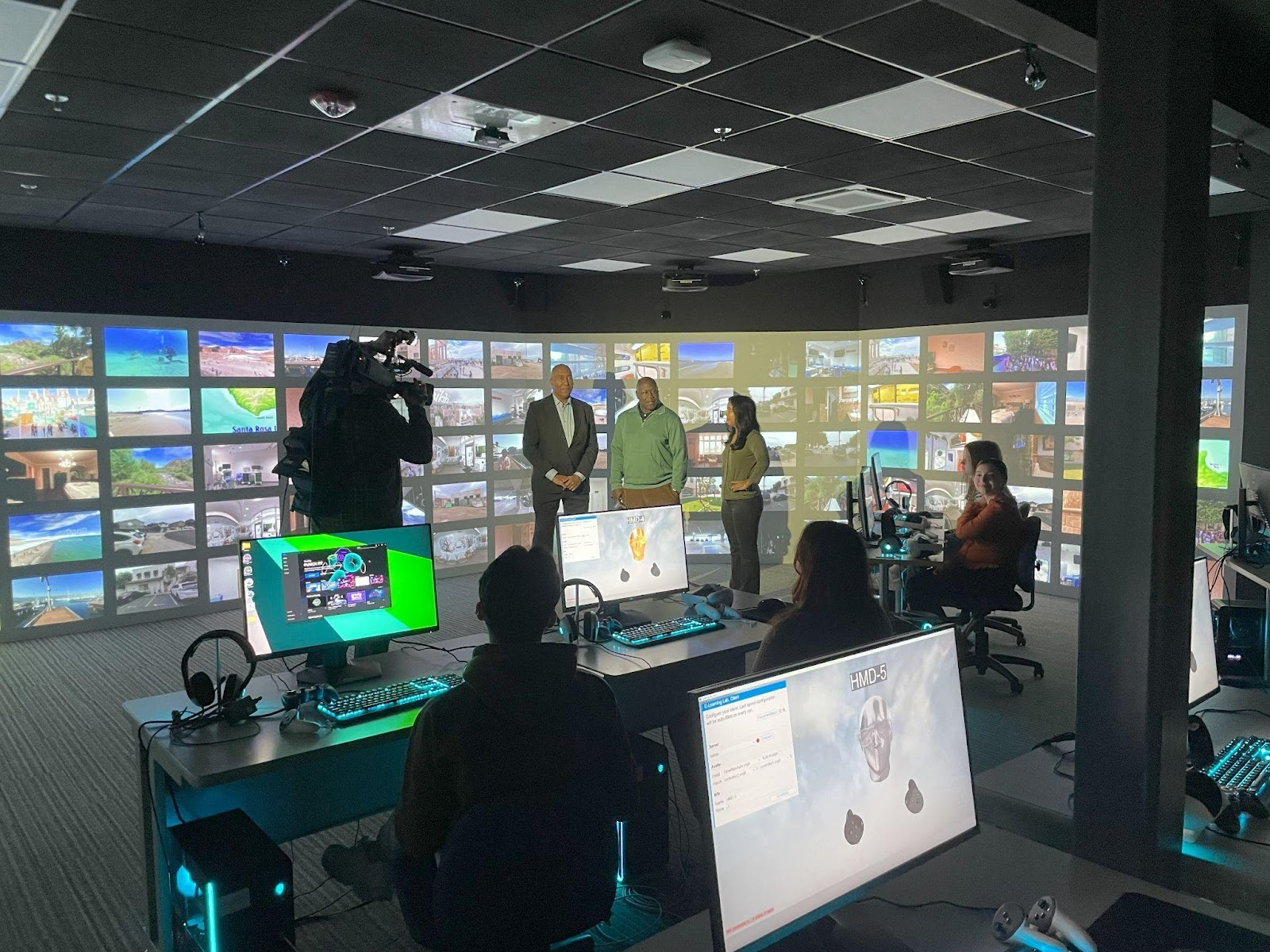
The clearest way to see what this setup is actually for is to look at how Lasell University is using it. Lasell partnered with WorldViz to build a nearly 1,100-square-foot AR/VR Lab in Newton, Massachusetts, supported by a Workforce Development Capital Grant from the Massachusetts Life Sciences Center. The space combines a 64-foot-wide, 7.5-foot-tall wraparound PRISM immersive projection system with 12 networked headset stations, and it was built to serve students across STEM, business, healthcare, and criminal justice programs - not to run controlled experiments.
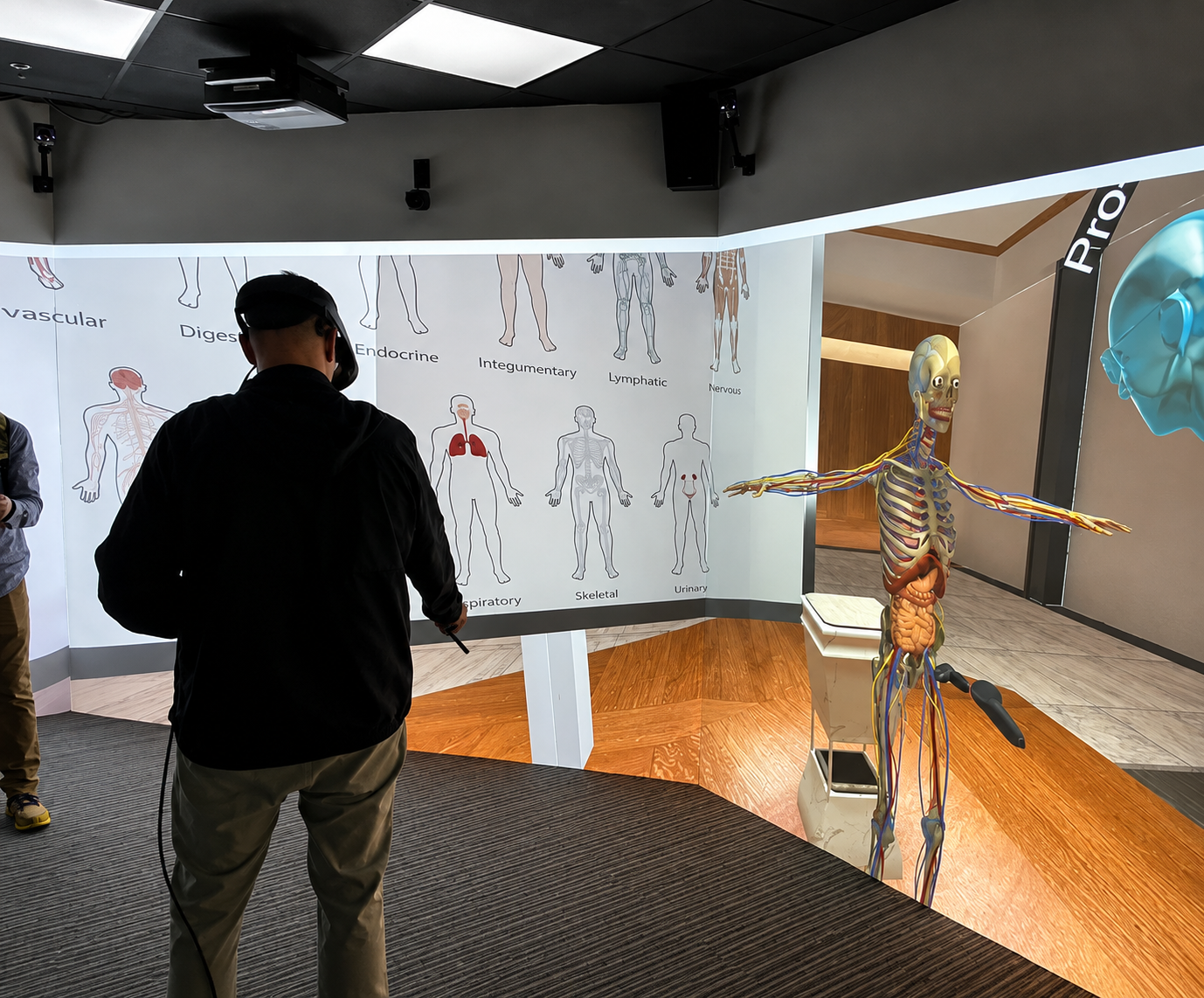
The room is used exactly the way this article describes. Faculty run virtual dissections and anatomy lessons on the projection wall, host business and public-speaking simulations in the PRISM space, and lead group activities where students in headsets are immersed in a shared environment while the rest of the room follows their perspective on the large-format display. The same wraparound screen doubles as a venue for campus tours, special-interest seminars, and faculty-authored presentations - and, since each headset station is built on a full gaming PC, the room can just as easily host a student e-sports match as a biology lecture.
As Lasell President Eric Turner put it, the goal is to prepare students for careers in fields like biology, biochemistry, and forensic science by giving them hands-on tools before they enter the workforce - a squarely teaching-and-training mission, not a research one. That's the model worth pointing to when talking about what a combined projection-and-headset lab is actually good for.
Projection VR and Headset VR are often talked about as competing choices, but in a classroom or presentation space they work best as one connected system. Through SightLab and the E-Learning Lab, an instructor can run a lesson that moves fluidly between a shared projected view and individual headset immersion, use VizMove Connect and VizMove Hotkeys to control what the room sees, and reuse the same content across every mode.
That's the real value of a hybrid lab: not a research apparatus, but a room that gives every student, trainee, or visitor a way into the experience - headset or not.
To discuss the future of your own VR classroom or presentation space, please contact us at sales@worldviz.com.