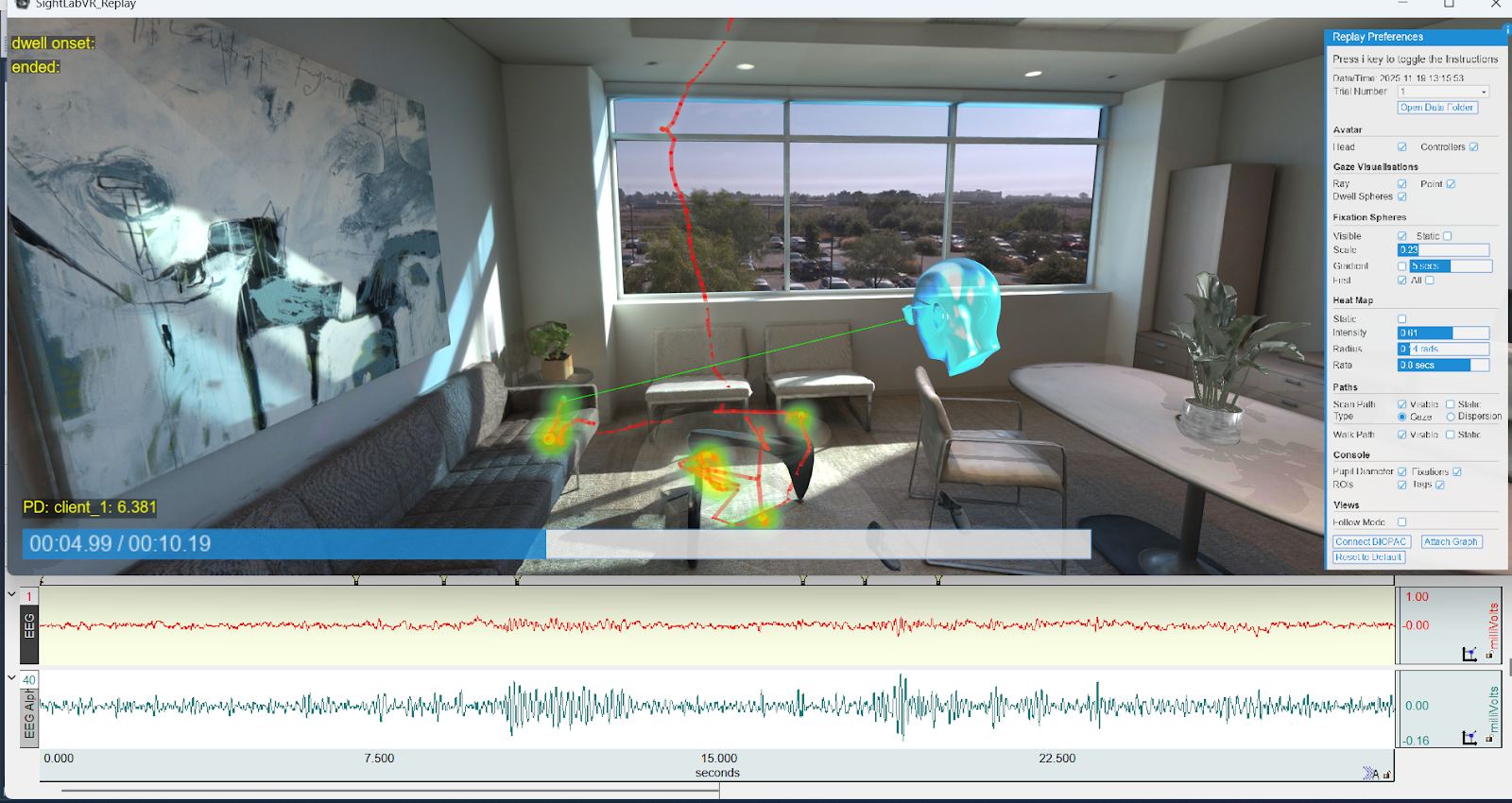
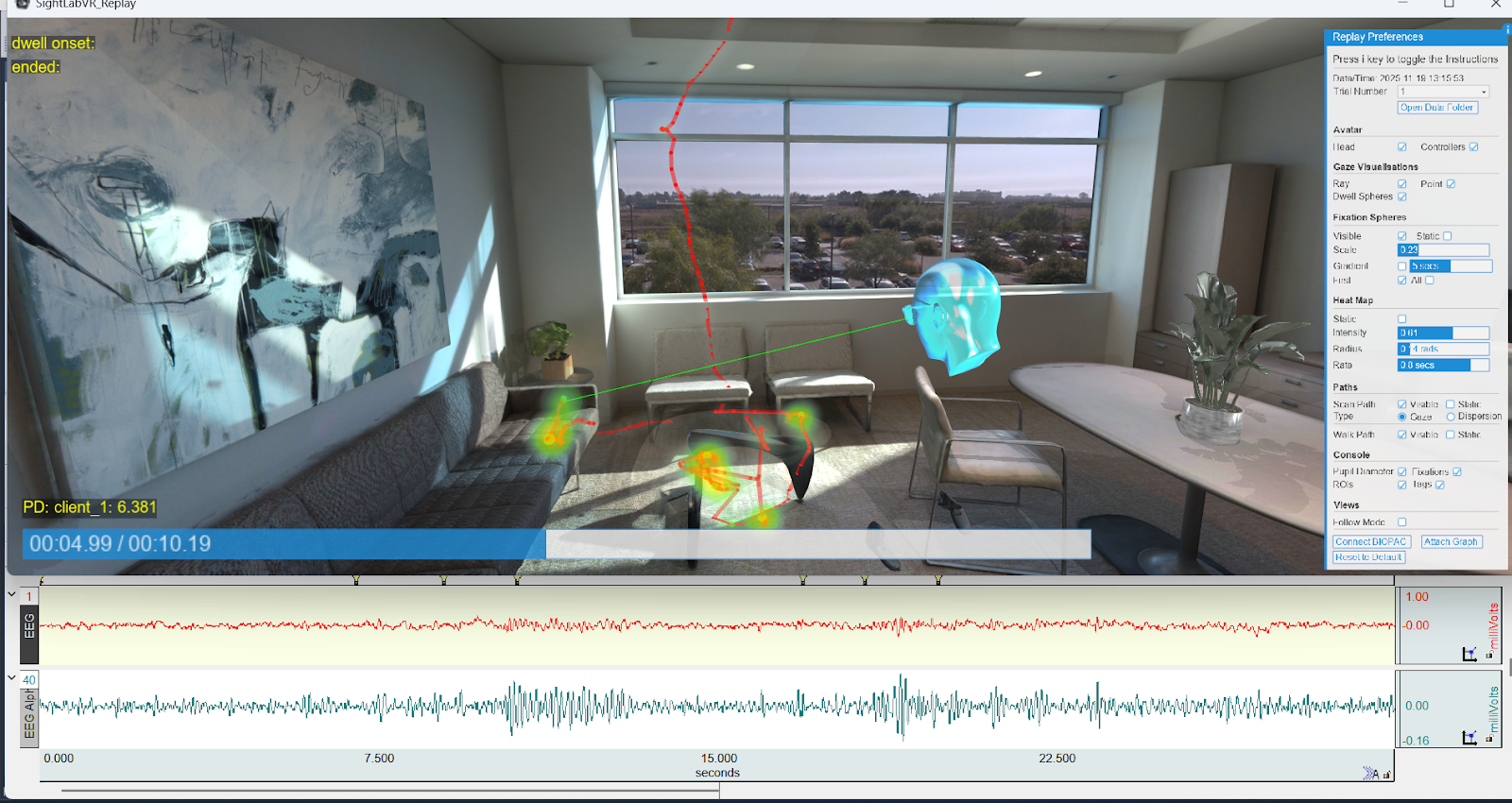
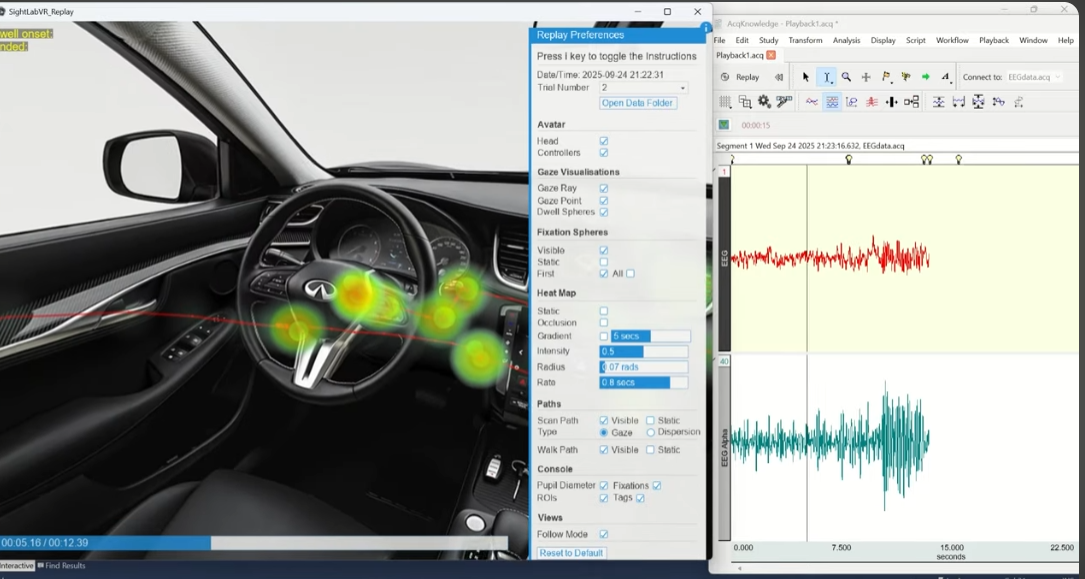
Starting with SightLab 2.6 and AcqKnowledge 6.02, you can fully synchronize AcqKnowledge’s playback graph with SightLab’s replay visualizations.
To use this feature:
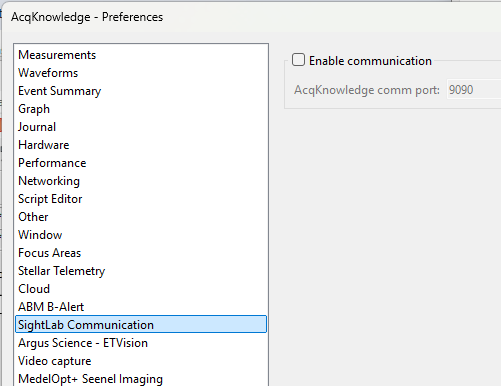
First in Acqknowledge, go to Display - Preferences and make sure "SightLab Communication" and NDT are checked on. Click "Enable Communication" to toggle on this feature.
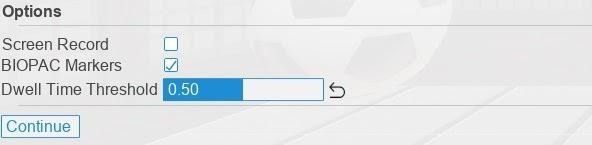
To have a synchronized Biopac and SightLab session, first enable Biopac either in the GUI or in code and run your session.
GUI Version
Non-GUI Version
This will send markers to Acqknowledge when you fixate on objects, including the name of the object. After a session, events will appear on the timeline alongside physiological data.
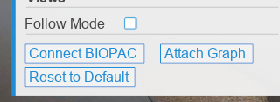
Once attached, you can control playback in either application:
You can also adjust what is displayed using SightLab’s replay visualization tools - sliders, toggles, and visibility controls for gaze paths, fixations, dwell spheres, and more. This allows you to seamlessly inspect physiological signals and VR behavior data together, frame-aligned.
For more information on integrations between SightLab and BIOPAC see this page.
To request a demo of SightLab click here.