
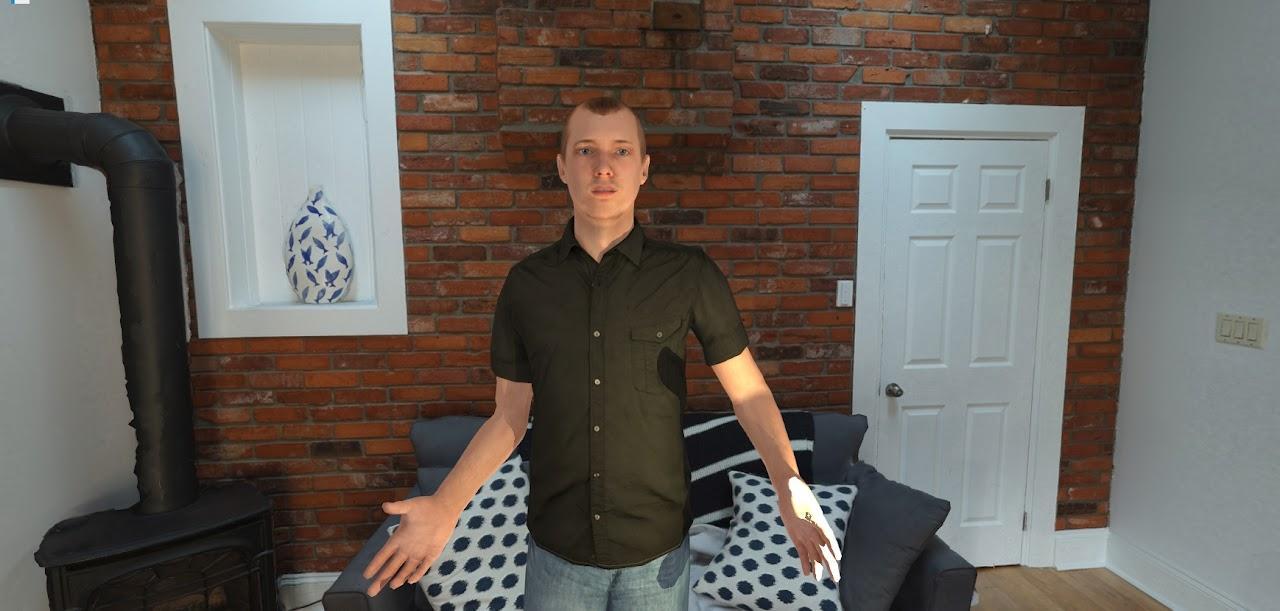
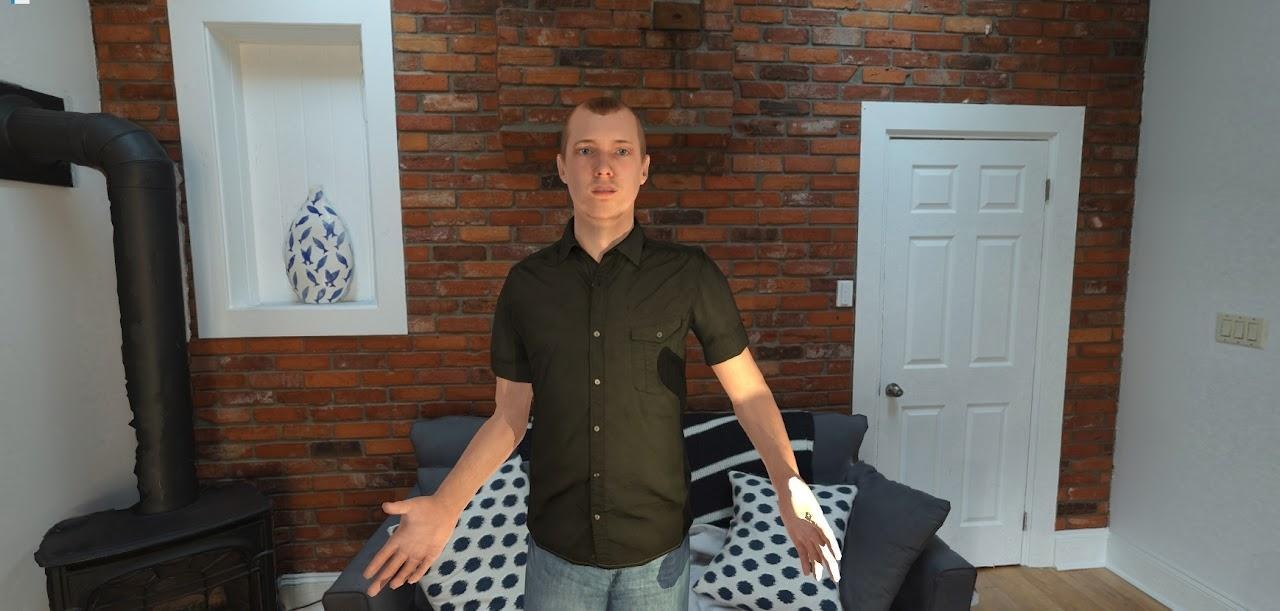
The SightLab AI Agent adds interactive, conversational AI characters directly into VR and XR environments. These agents can speak with users in real time, respond intelligently through connected large language models, react with animations and facial expressions, and become part of immersive training, education, research, and simulation experiences.
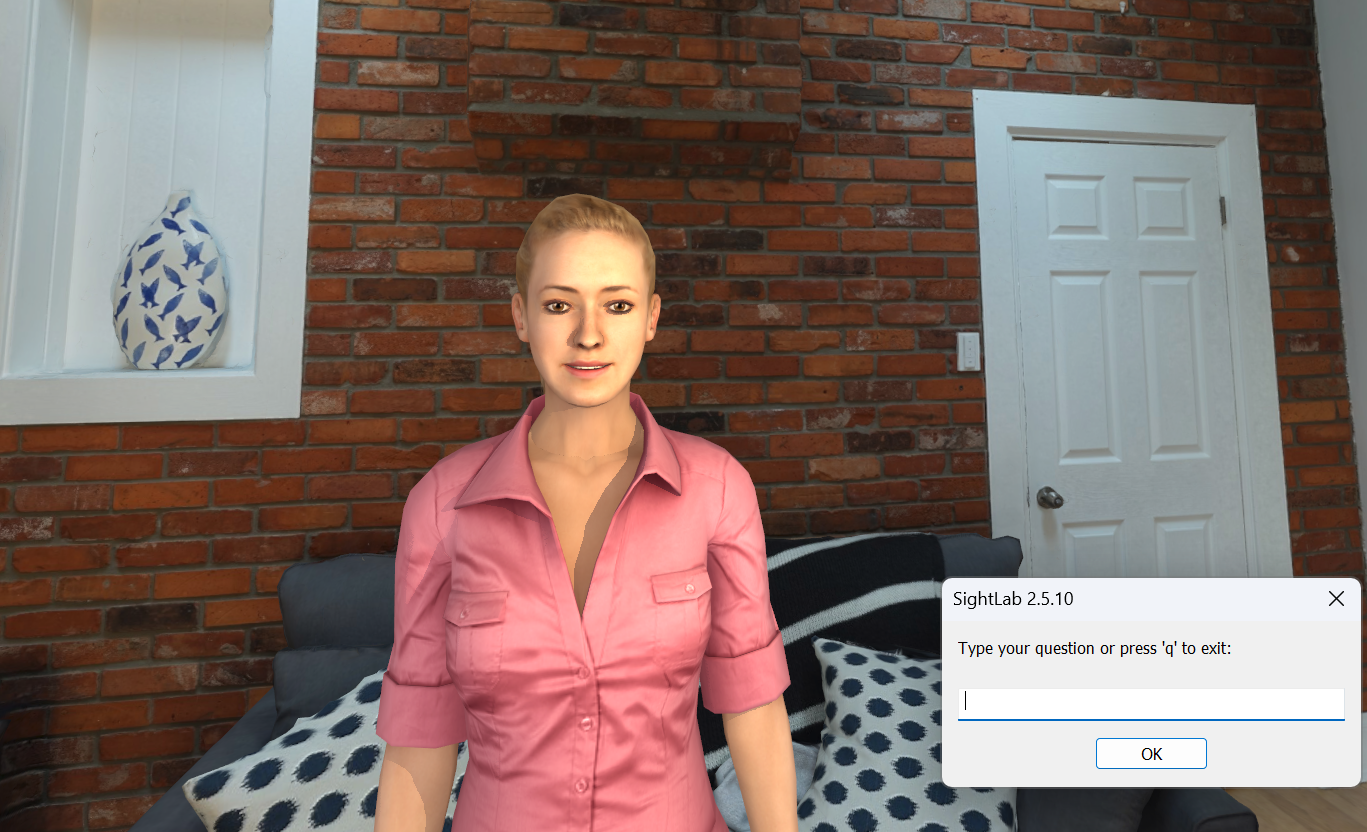
Rather than simply placing a static avatar in a scene, the AI Agent turns virtual characters into responsive participants. Users can talk to the agent with speech recognition or text input, and the agent can reply using synthesized speech, body language, facial expressions, and context-aware responses.

At its core, the AI Agent places an avatar inside a SightLab scene that users can interact with naturally. The agent can listen, understand questions, generate responses through an AI model, and speak back using text-to-speech.
This makes it useful for a wide range of applications, including:
Because the agent is integrated into SightLab, it can also connect with SightLab’s data collection, analytics, replay, and eye-tracking tools.
The AI Agent supports multiple large language model providers through a single interface. Users can connect to cloud-based models such as OpenAI, Anthropic Claude, and Google Gemini, or run fully offline models through Ollama.
Offline support makes it possible to use models such as DeepSeek, Gemma, Llama, Mistral, and many others without requiring an internet connection. This is especially useful for research labs, secure training environments, classrooms, or installations where privacy, reliability, or network access are important considerations.
Online models require an API key, while Ollama-based models can run locally.
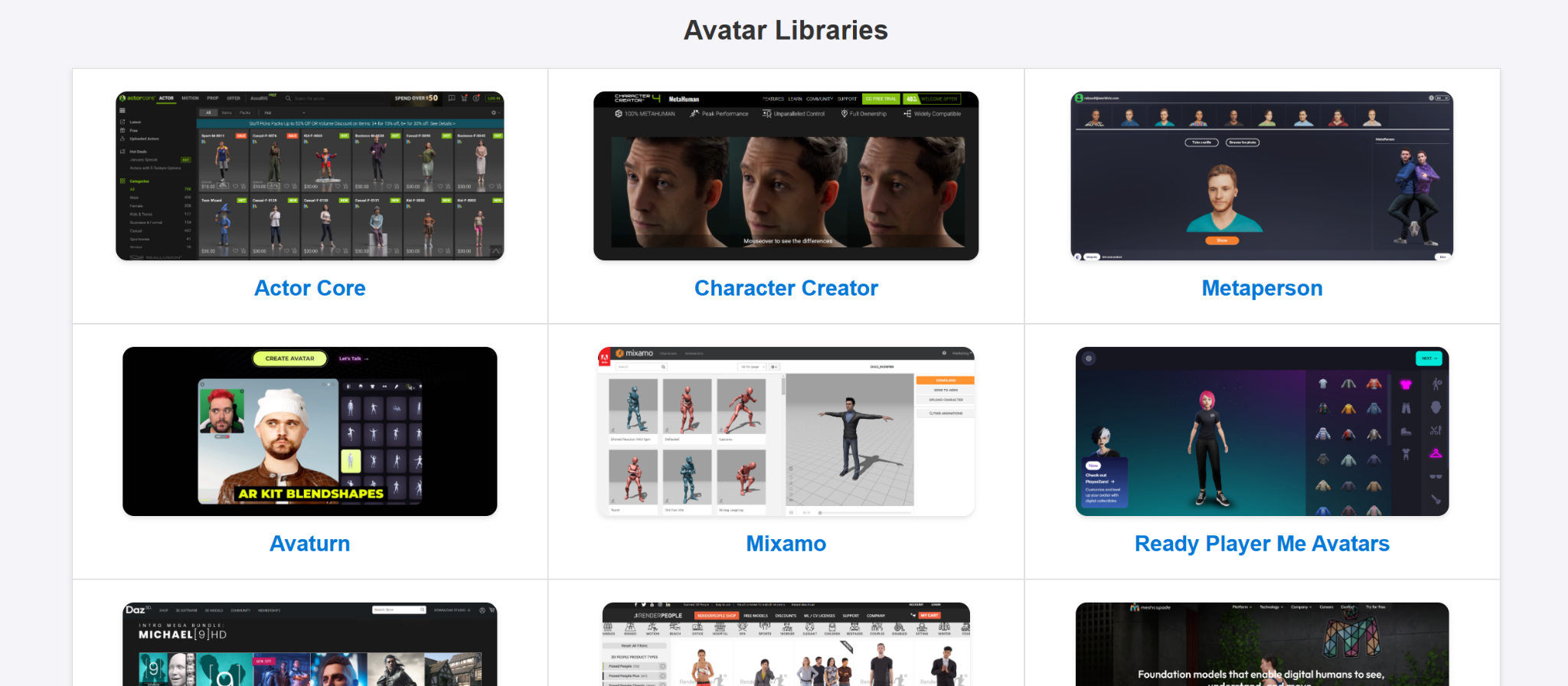
AI Agents can use avatars from a wide range of sources, including Avaturn, Mixamo, Rocketbox, Reallusion, Ready Player Me (Note: new ReadyPlayerMe avatars no longer possible, but works for existing ones), and others. Avatars can be added to environments through the SightLab Inspector and customized for the needs of the project.
Supported avatar behaviors include:
These features help make the agent feel more present and believable inside the immersive environment.
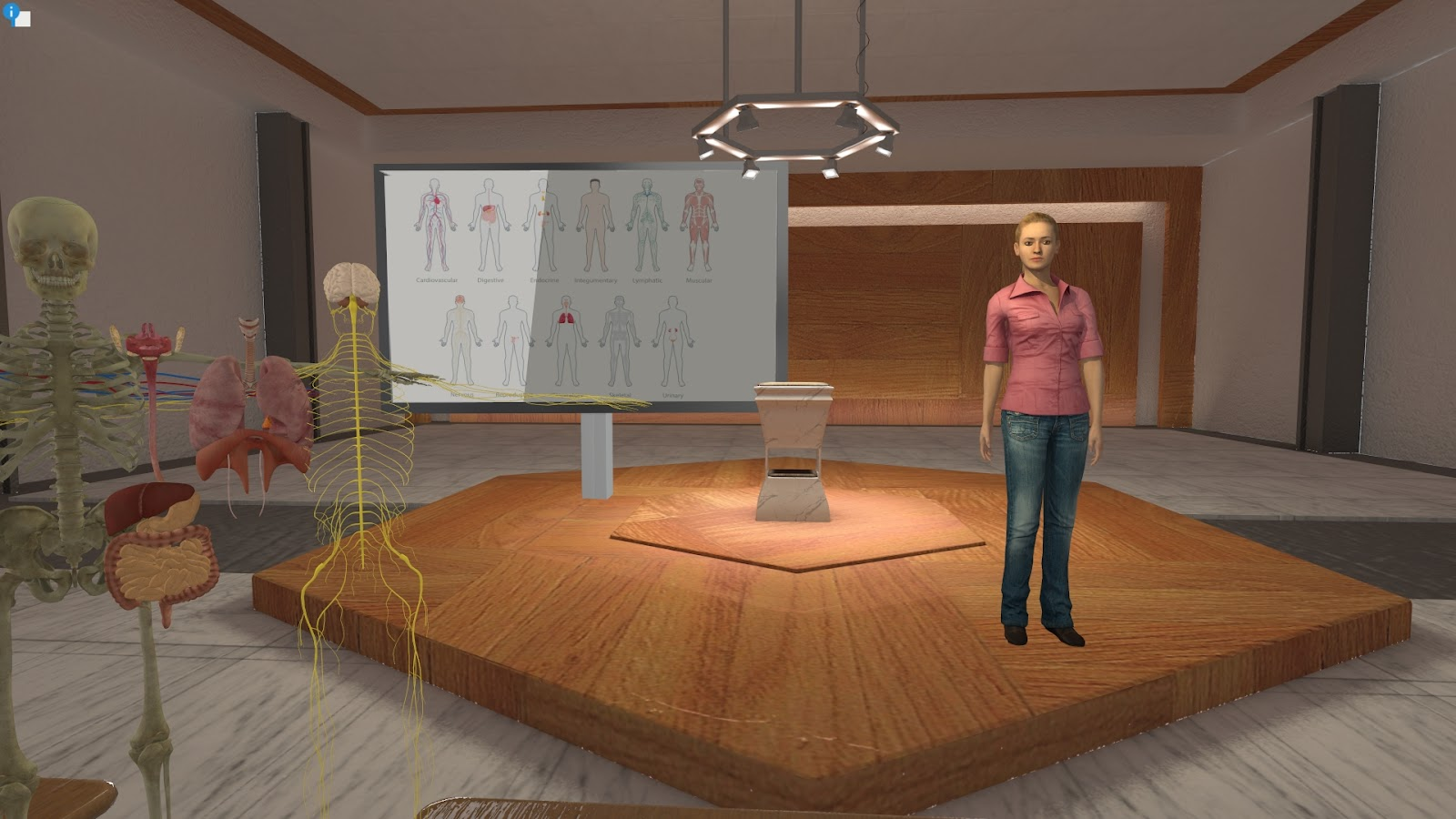
Each AI Agent can be given its own personality, backstory, area of expertise, and conversational style through a text-based prompt file. This makes it possible to create agents tailored to specific scenarios.
For example, you can create:
Agents can be saved and reused across projects, making it easier to build libraries of virtual characters for training, education, and research.
AI Agents can also be used as instructional tutors trained around educational content. For a ready-made educational workflow, SightLab’s E-Learning Lab provides a complete toolset for building immersive lessons with AI-supported instruction.
Users can interact with the AI Agent through speech recognition or typed text input. The agent can then respond using one of several supported text-to-speech engines, including:
These options provide flexibility depending on whether the project requires high-quality cloud voices, fully offline operation, fast lightweight speech, or multilingual support. Supported TTS engines can work across more than 40 languages and automatically adjust based on the selected language. Certain text to speech models can even respond with emotional tones or dynamic speech patterns such as whispering or an "angry tone”, etc.
The AI Agent can also analyze what is visible in the scene. Users can ask questions such as “What do you see?” or “What are we looking at?” and the agent can process a screenshot of the current environment to generate a response.
This makes the agent useful for guided tours, spatial reasoning tasks, training evaluations, environmental assessments, and interactive demonstrations where the agent needs to understand or describe what is happening in the virtual scene.
Additionally there is an option for a user to use a laser pointer to point at specific, named objects to get information and ask follow up questions.
The AI Agent can trigger events during a conversation based on context. For example, the agent can change facial expressions, play animations, gesture, adjust lighting, move objects, play sounds, or trigger other scene interactions.
Developers can also create custom events to extend agent behavior. This allows the AI Agent to become more than a conversational character. It can actively participate in the immersive experience and influence what happens in the environment.
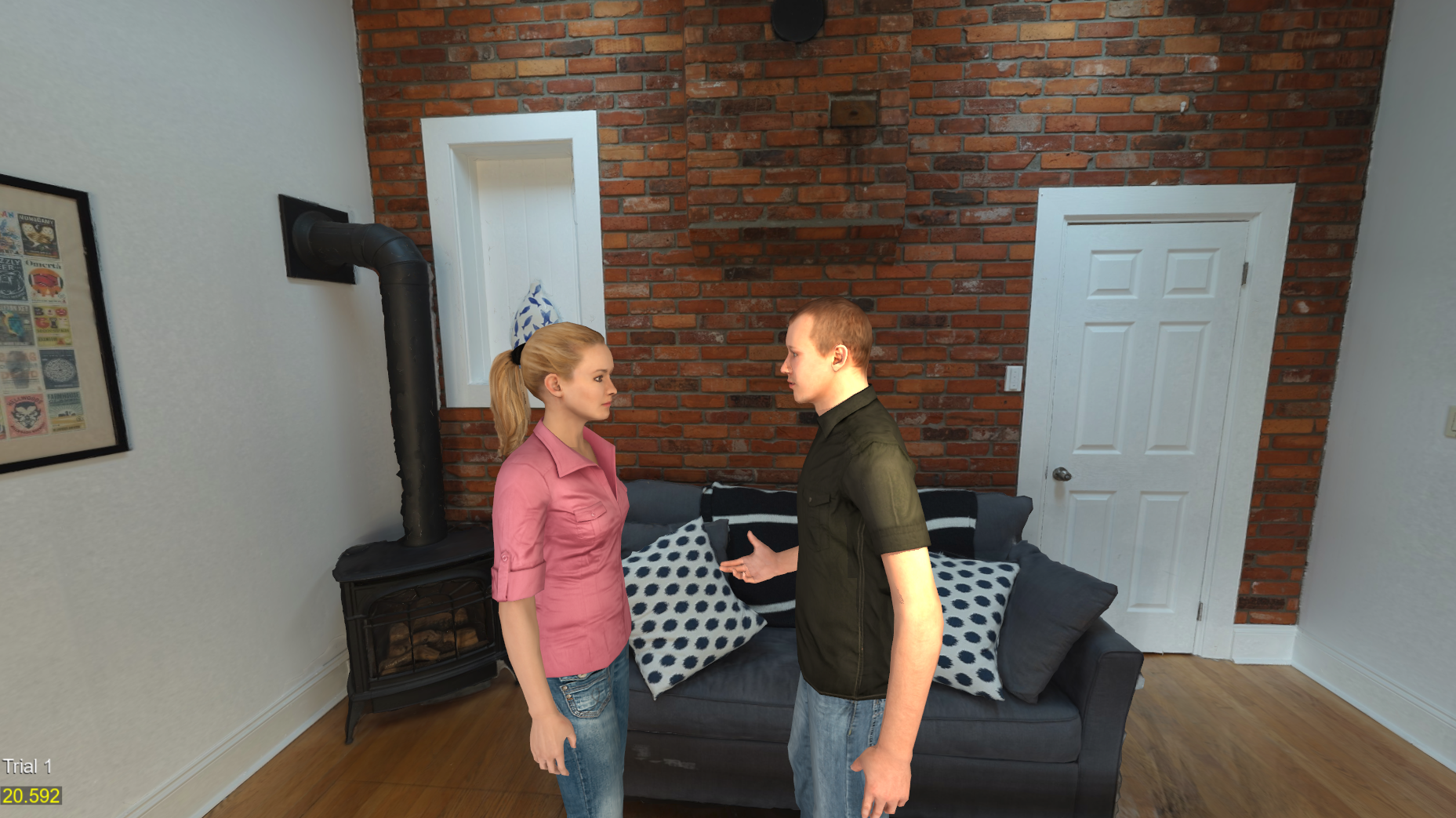
SightLab can support multiple AI Agents in the same scene. Each agent can have its own personality, voice, avatar, and AI model configuration. Agents can converse with one another, and users can enter the conversation by speaking with one or more of them.
This opens up possibilities for:
Multi-agent setups make it possible to create richer and more dynamic immersive experiences involving several virtual participants.
The AI Agent also supports passthrough augmented reality on compatible devices, including Meta Quest Pro, Meta Quest 3, and Varjo headsets. This allows AI characters to appear in the user’s real-world environment, creating mixed-reality use cases for training, tutoring, demonstrations, and guided assistance.
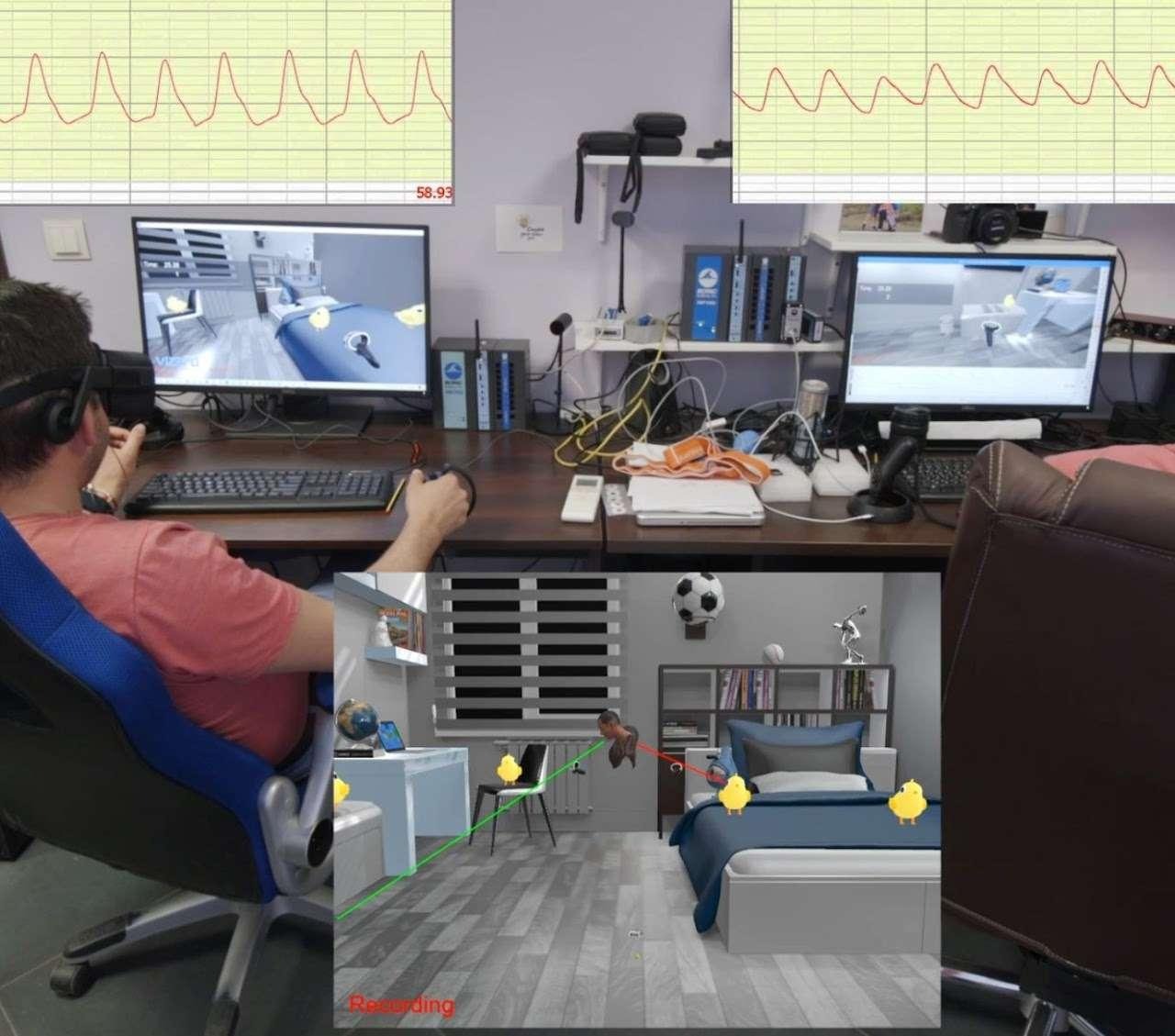
Because the AI Agent is built into SightLab, it can take advantage of SightLab’s research and analytics capabilities.
This includes:
These tools make the AI Agent especially useful for research and training scenarios where it is important to understand how users interact with virtual characters, where they look, what they say, and how the session unfolds over time.
With the ability to either cast or integrate with HeyGen’s “Live Avatars” there is some limited functionality using live video based avatars. See this page for more details https://help.worldviz.com/sightlab/heygen-screencast/

The AI Agents can either have multiple prompts that are triggered through various events (a physiological data threshold, a keypress, answer on a rating scale, etc.) or can adapt to a scene through prompt engineering and event driven changes.
The AI Agent includes a visual GUI for configuration, allowing users to adjust settings without writing code. It can also be added to SightLab projects with a few lines of Python and published as a standalone executable for distribution.
The system works across SightLab-supported hardware, including desktop setups, VR headsets, and AR devices.
The SightLab AI Agent brings together conversational AI, customizable avatars, speech interaction, vision capabilities, event-driven behavior, and SightLab’s data collection tools into one integrated system.
Key capabilities include:
The AI Agent gives developers, researchers, educators, and trainers a flexible way to add intelligent virtual characters to immersive experiences — whether the goal is instruction, simulation, assessment, storytelling, or real-time interaction.
Ready to get started? See the full AI Agent documentation for setup instructions, configuration details, and examples.
Try for yourself, request a demo by clicking here.
To see a study that was published in “Computers and Human Behavior” by Michigan State University using the AI Agents click here.
To see how you can use Worldviz software, including AI Agents and much more contact sales@worldviz.com