
Would you prefer a fully narrated, in-depth SightLab walkthrough - or a quick, non-narrated visual tour of the GUI workflow? Two new videos let you choose the format and level of detail that fit your needs.
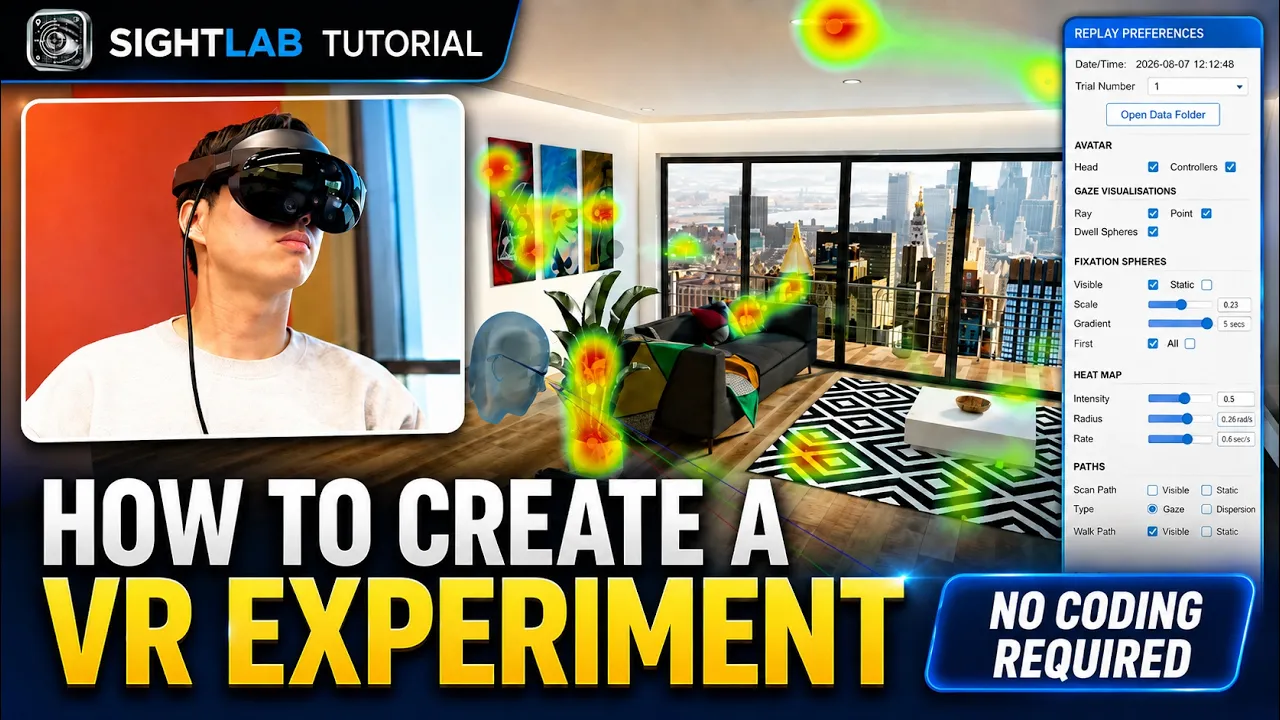
The fully narrated, 12-minute SightLab video follows a visual-attention study from an empty project to usable results. Step by step, it explains how to choose a 3D environment, define regions of interest, configure and run a headset trial, then review gaze data through summaries, heatmaps, scan paths, and interactive replay.
It also puts the workflow in the context of SightLab's broader capabilities, including 360-degree media, multi-user studies, physiological-data integration, AI agents, mixed reality, the SightLab GPT Assistant, and optional Vizard Python customization. Choose this video when you want detailed explanations and the full end-to-end picture.
Watch: How to Build a VR Experiment in Minutes
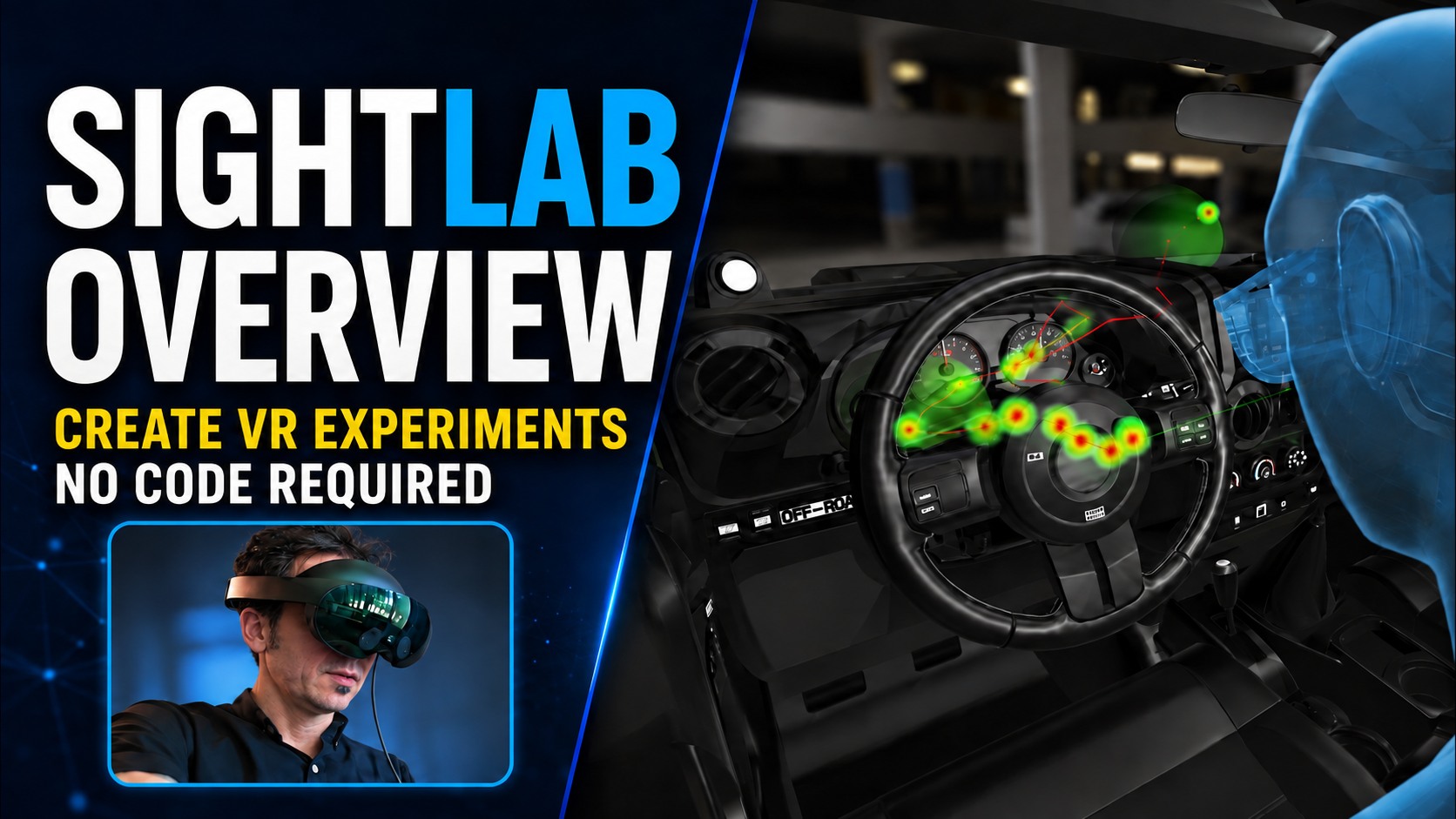
The second video is a non-narrated visual overview of the SightLab GUI workflow in under four minutes. It quickly shows how to set up scenes with 3D models or 360-degree media, tag areas and objects of interest, run a study, and review raw and visualized eye-tracking data.
Rather than explaining every feature, it lets the interface speak for itself—from experiment setup and data collection to interactive replay. Choose this video when you want a fast sense of how the no-code workflow looks and feels in practice.
Watch: How to Create VR Eye Tracking Experiments with No Code in SightLab
Same platform, two viewing formats: use the narrated walkthrough for depth or the visual overview for speed. Either way, you will see how SightLab takes a study from scene setup to analysis without requiring researchers to start with programming.
Explore SightLab VR Pro or request a demo. To learn more about SightLab, please contact us at sales@worldviz.com.